Predicting new compounds
Applying a model to compounds without a measurement: fitting one on a training set or reading a saved bundle, what the bundle carries, and the domain verdict of every prediction.
Wizards > Predict with a saved model opens the Predict new compounds wizard. Despite the menu name it does two things: it applies a model saved earlier, or it fits a model on a training set and applies it to a second file in one workflow. Either way the result is a dataset of predictions in the spreadsheet, each with its applicability-domain verdict, and optionally a CSV and an SD file.
Model source
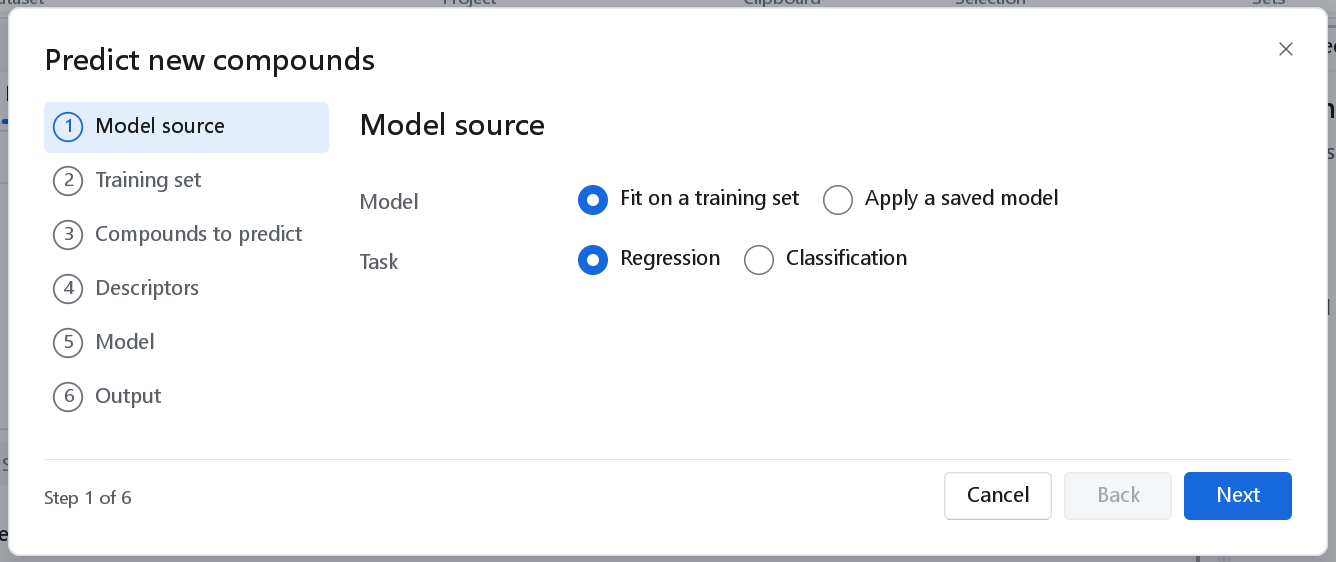
| Control | Meaning |
|---|---|
| Fit on a training set | A model is fitted in this workflow on a training file and applied to the compounds to predict. Every usable record of the training file trains the model: there is no split and no validation here. Build and validate a model in the 2D-QSAR wizard first when you need its statistics. |
| Apply a saved model | Reads a model file: a 2D model bundle (.json, written by the 2D-QSAR wizard, by this wizard, by a Write model node or by the command line) or a 3D-QSAR model (.gqfm). Nothing is refitted. |
| Task | Fit only: Regression or Classification. |
| Model file, Browse | Saved model only: the file to apply. |
| Contents | Saved model only: what the file holds, read from it, for example "Pipeline (PLS (NIPALS, 2 LV)) · 3976 descriptors · predicts pIC50 · applicability domain". A response transform is named when the model has one. A file that cannot be read is reported here in red. |
What a saved model bundle carries
A 2D bundle holds everything needed to treat a new compound exactly as the training compounds were treated:
- the fitted model;
- the names of the descriptors it expects;
- its response transform, for example the conversion of a concentration to a p-scale;
- the preprocessing fitted with it on the training compounds: the imputation values, the outlier limits, the columns the descriptor filter kept and the scaling (and, for a model trained after a separate preprocessing node, that node's fitted steps);
- its applicability domain with every threshold;
- a record of the rows it was fitted on: their number, identifiers and a key per row made from identifier, SMILES and response value.
Because the transforms travel with the model, nothing is refitted and no statistic of the new compounds influences their predictions. The record of the fitted rows lets a later prediction or validation warn when a compound it is given as new was part of the fit.
Fitting a model here
With Fit on a training set the wizard asks for the training data, the compounds to predict, the descriptors and the model.
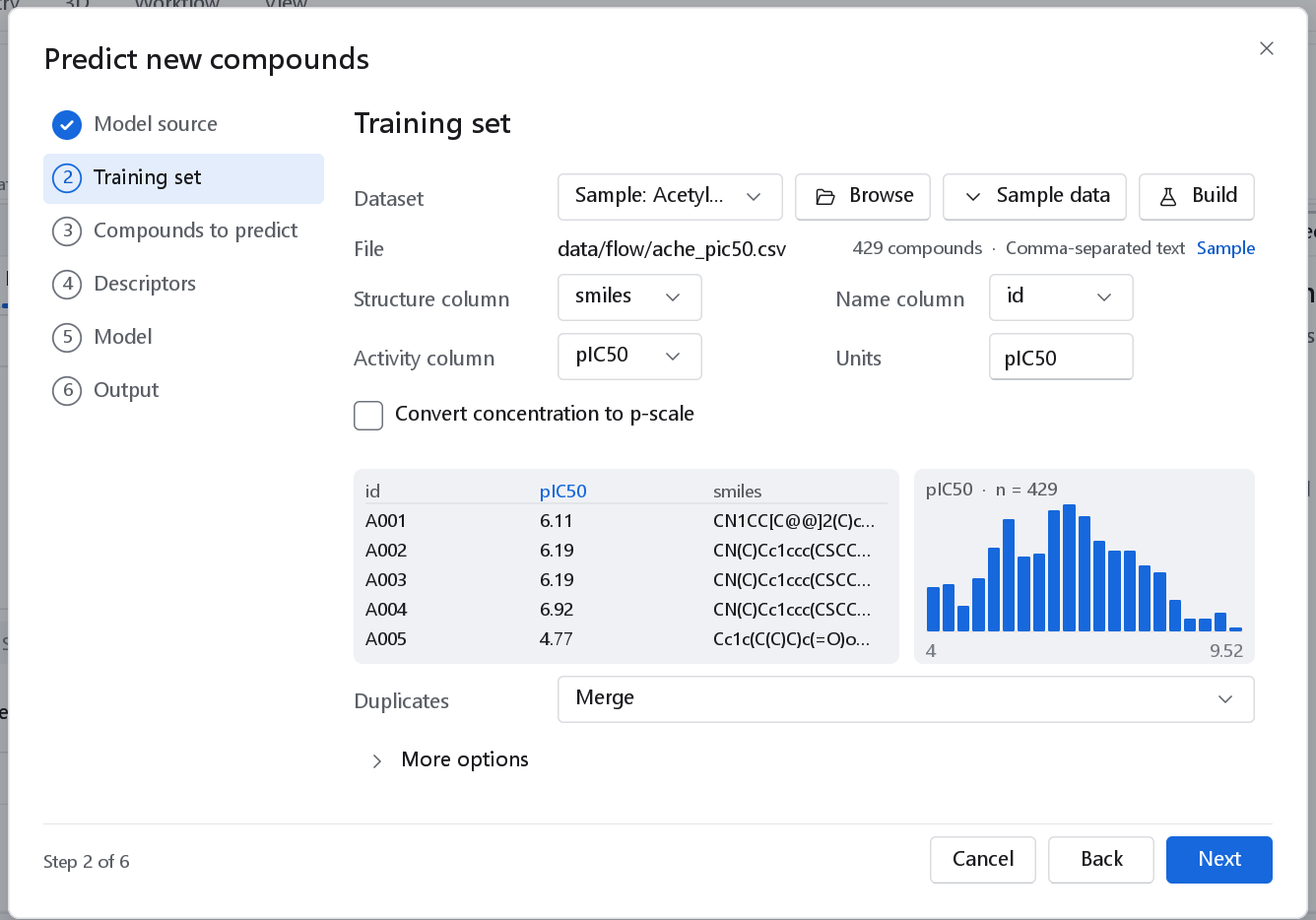
Duplicates (Merge, Keep the first, Keep all) applies to the training set only. The compounds to predict are never merged or dropped: every row of that file gets a prediction. Convert concentration to p-scale and its Conversion options work as in the 2D-QSAR wizard.
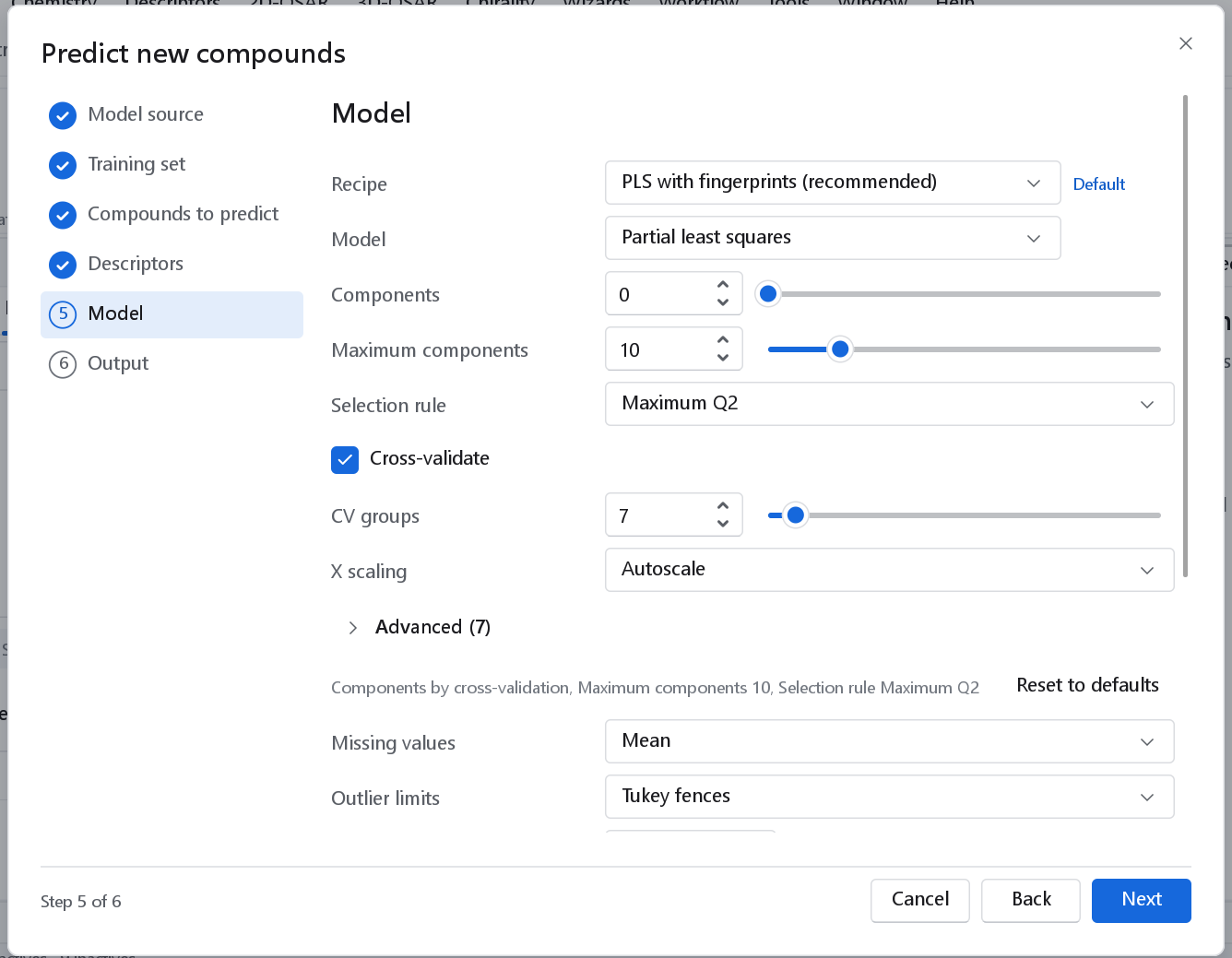
The Recipe drop-down offers the recipes of the 2D-QSAR wizard except Automatic model search, with the default of the task marked (recommended): PLS on classical descriptors and fingerprints for a measured value, a random forest of 500 trees with balanced class weights for a class column. The recipe sets the descriptor families, the model with its hyper-parameters, the preprocessing inside the model and the applicability domain, and every value is shown on the page. Choosing another Model or changing a hyper-parameter turns the recipe into Custom. Below the hyper-parameters, Missing values, Outlier limits, Descriptor filter, Descriptor scaling, Applicability domain and Domain methods have the meaning described in The 2D-QSAR wizard. There is no preprocessing node in the workflow: the model fits its own preprocessing on the training set and applies it, unchanged, to the compounds it predicts.
The compounds to predict
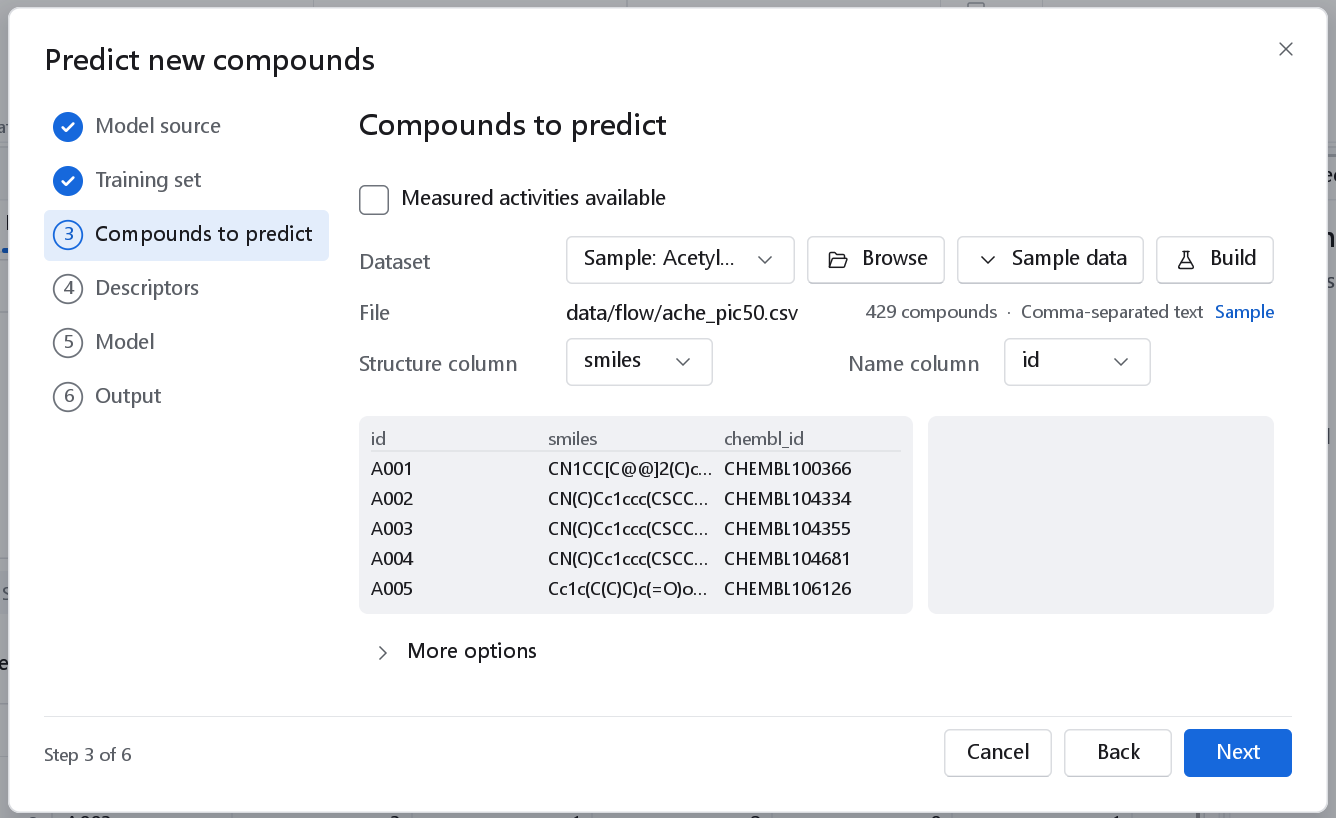
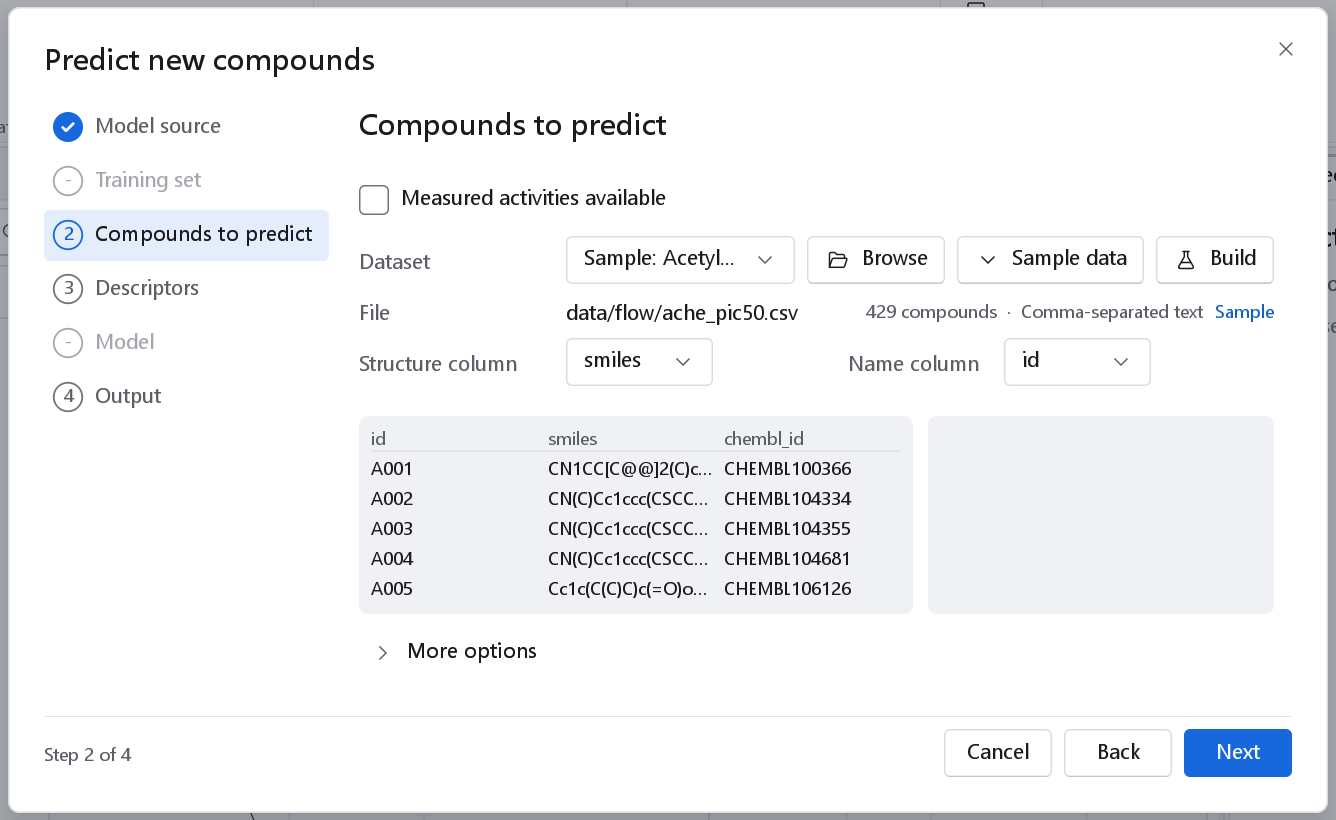
| Control | Meaning |
|---|---|
| Measured activities available | The file also holds measured values of the response. Each prediction is then written next to its measurement with its residual, which turns the prediction into an external validation. Off: no activity column is needed. |
| Dataset, Browse, Sample data, Build | The compounds, as on the Data page of the 2D-QSAR wizard. A saved model is applied to the dataset you are working with unless you choose another. |
| Structure column, Name column | For tables. |
Descriptors
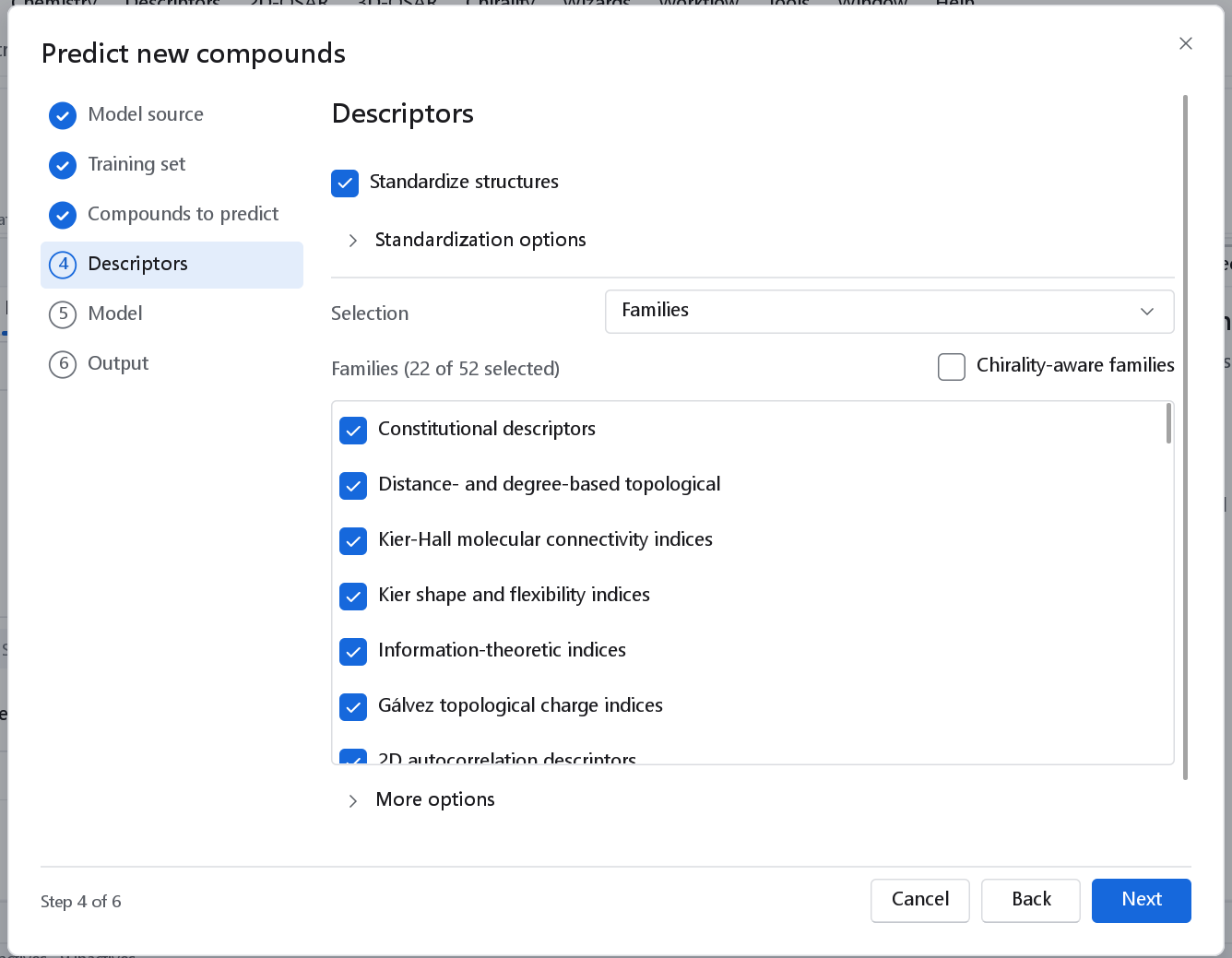
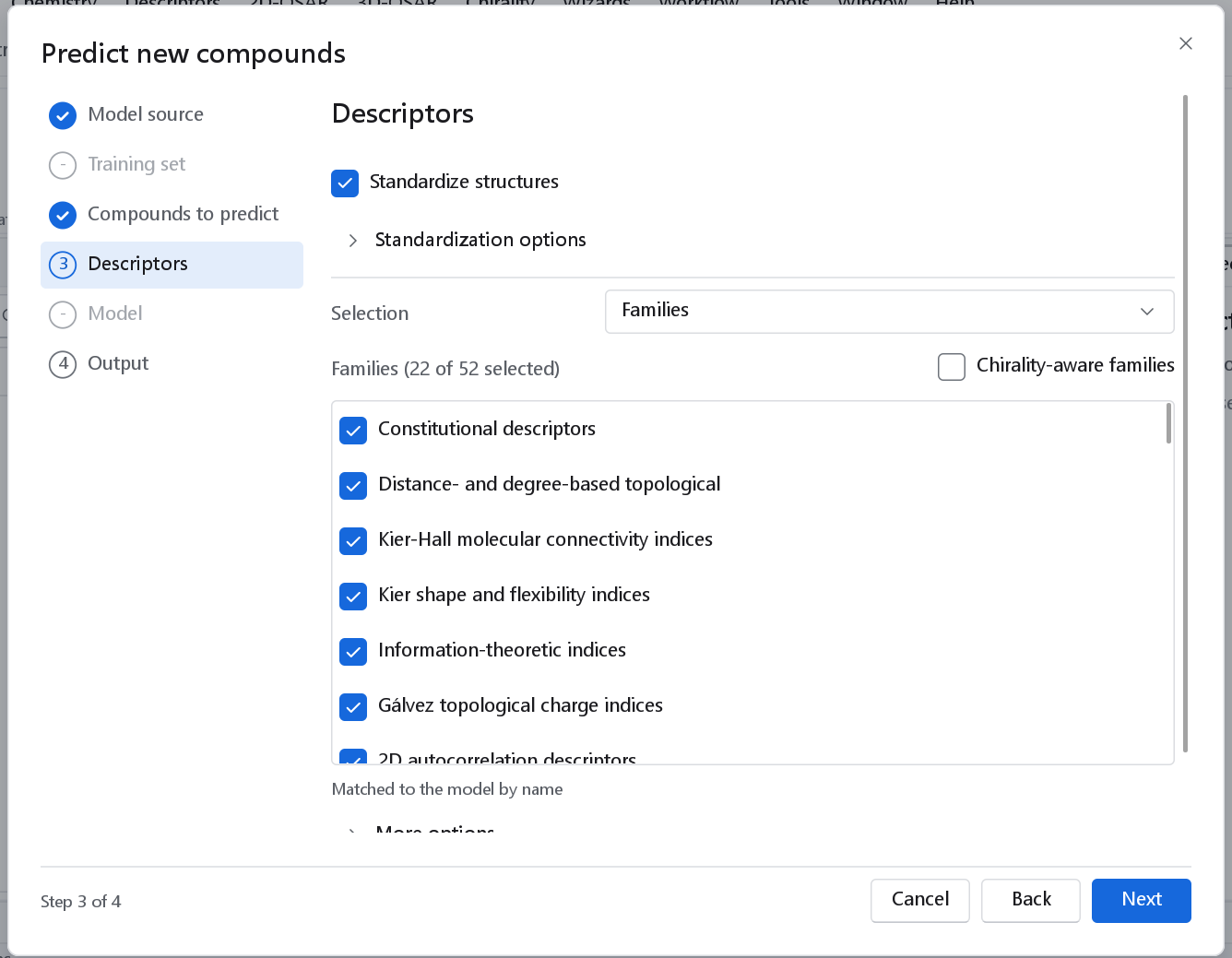
Standardize structures curates the compounds before their descriptors are computed, with the steps under Standardization options. For a saved model, curate the new compounds the way the training set of the model was curated, or their descriptors will not be comparable.
The descriptors of a saved model are matched by name. The selection only has to contain the columns the model was fitted on; extra columns are ignored. A descriptor the model needs and the selection lacks stops the prediction with its name. Select the families the model was built on, which is what the wizard pre-sets for a model of a recipe.
Output
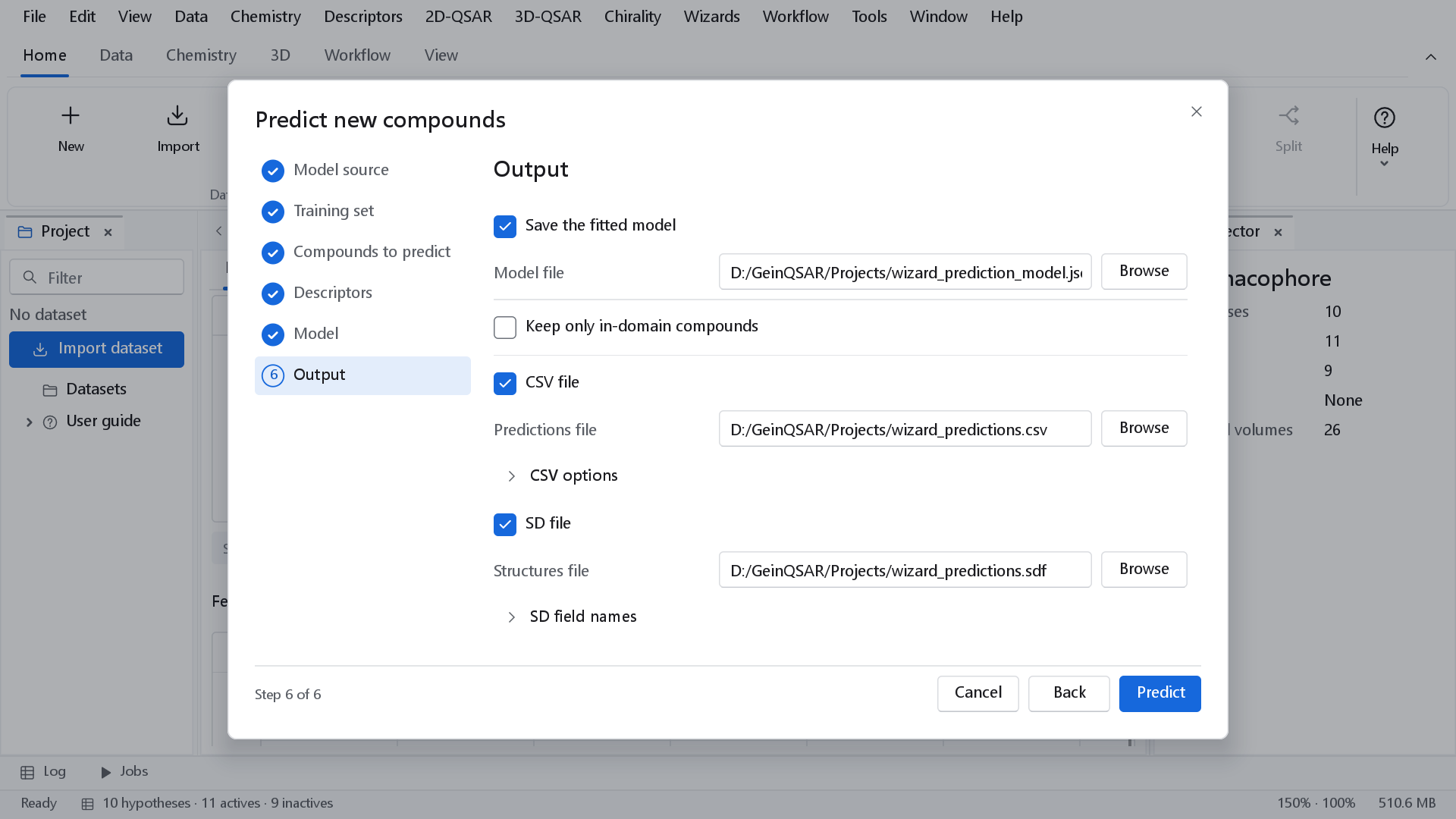
| Option | Result | Default and when to use it |
|---|---|---|
| Save the fitted model, Model file | Fit only: writes the model as a bundle that this wizard, the canvas and the command line can apply to another library later. | Off. Tick it unless the model is a one-off. |
| Keep only in-domain compounds | Drops the compounds the applicability domain flags. | Off: they are kept and flagged. Tick it for virtual screening, where an unreliable prediction is worse than none. |
| Back-transform to the original scale | Adds the prediction on the original concentration scale as a column of the CSV file. Shown when the model has a response transform. | Off. |
| Prediction options | The remaining parameters of the prediction node, such as which rows to predict (all rows by default). | |
| CSV file, Predictions file, CSV options | One row per compound: the prediction, its standard error, the measured value and residual where known, and the domain verdict with its reasons. | On. |
| SD file, Structures file, SD field names | The structures with the prediction, its standard error and the domain verdict as data fields. Needs structures, so it is not available for predictions made from a descriptor table alone. | Off. |
Predict builds the workflow and runs it.
The result
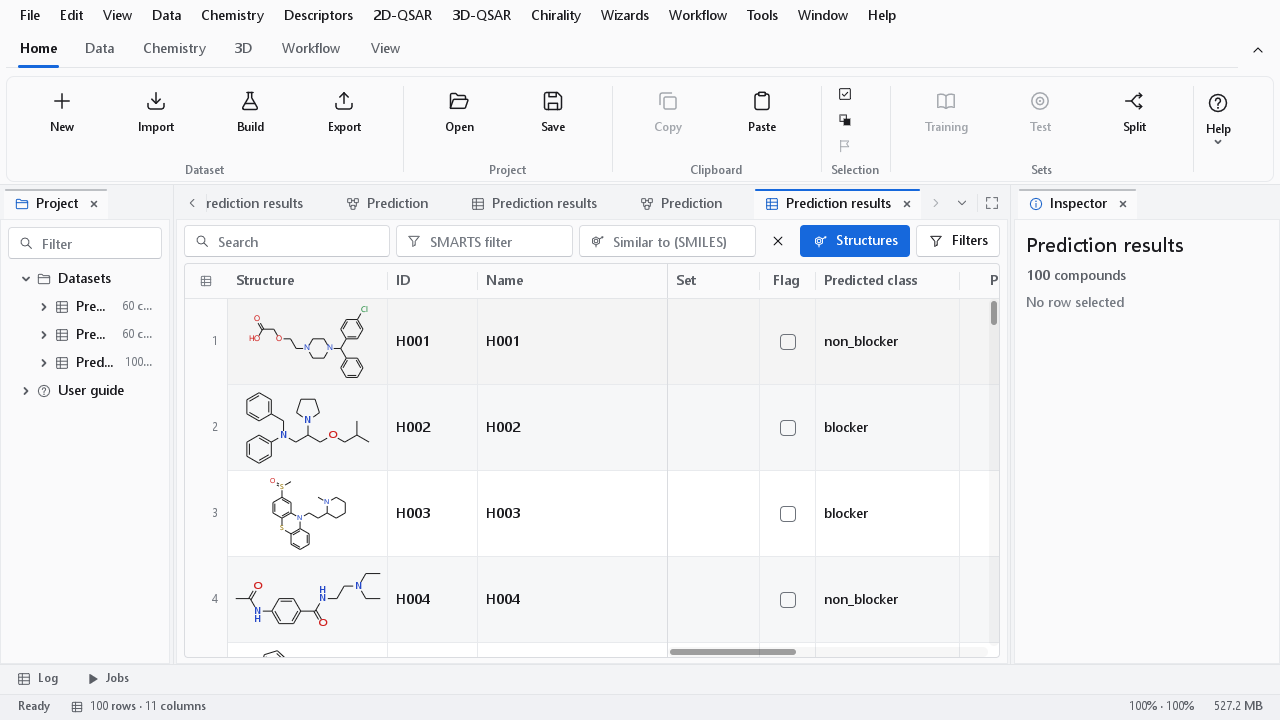
The predictions open as a dataset in the spreadsheet, with the structures of the predicted compounds, and a notification gives the number of predictions (per class for a classifier) and how many lie inside the applicability domain. A second run of the same workflow replaces the dataset of the first one.
| Model | Columns |
|---|---|
| Regression | Predicted; with measured activities Observed and Residual (observed minus predicted); Standard error when the model estimates one (a Gaussian process, for example). |
| Classifier | Predicted class by its label; Observed class when the file has one; one probability column per class, P(label). A classifier without probabilities shows its decision values instead, one column Decision A vs B per pair of classes. |
| Both | Domain: inside or OUTSIDE, and Domain reason: the methods that flagged the compound. |
Reading the domain verdict
Every prediction carries the verdict of the applicability domain fitted with the model, with the same methods and thresholds and the same rule for combining them (see The model dashboard, Domain). A compound inside the domain resembles the training compounds in the space the domain measures, and its prediction can be expected to be about as good as the cross-validated predictions of the model. A compound outside it is an extrapolation. It is not dropped unless you asked for that; it is reported with the reason, for example a leverage above h* (the compound is structurally unlike the training set in the model's own descriptor space) or a kNN distance above the threshold (it has no close neighbour among the training compounds).
- Sort or filter the result on Domain to see the extrapolations first.
- Treat an OUTSIDE prediction as a hypothesis. If such compounds matter, measure a few, add them to the training set and rebuild the model.
- A prediction inside the domain is not guaranteed: the domain says the compound is like the training set, not that the model is right about it. The RMSEP of the model is the expected size of the error.
3D-QSAR models
A saved 3D-QSAR model (.gqfm) is chosen as the model file like a bundle. The wizard then has three pages: the model file, the compounds and the output. The file records how the compounds of the model were prepared, aligned and charged, and the new compounds go through exactly those steps. See The 3D-QSAR dashboard for saving such a model.