Flexible docking
Letting selected receptor side chains move during the search: how to choose them, what the torsion budget costs you, and how to tell whether the flexibility helped.
A rigid receptor is a useful approximation, and it is wrong in a specific and predictable way: binding sites are not rigid. A side chain that would rotate aside to admit a compound is, in a rigid receptor, an immovable wall, and the search reports that the compound does not fit. Flexible docking removes that wall for a small number of residues you choose.
Select Docking › Docking Mode › Flexible Docking. Step 4 becomes Flexible Side Chains.
The side chain picker
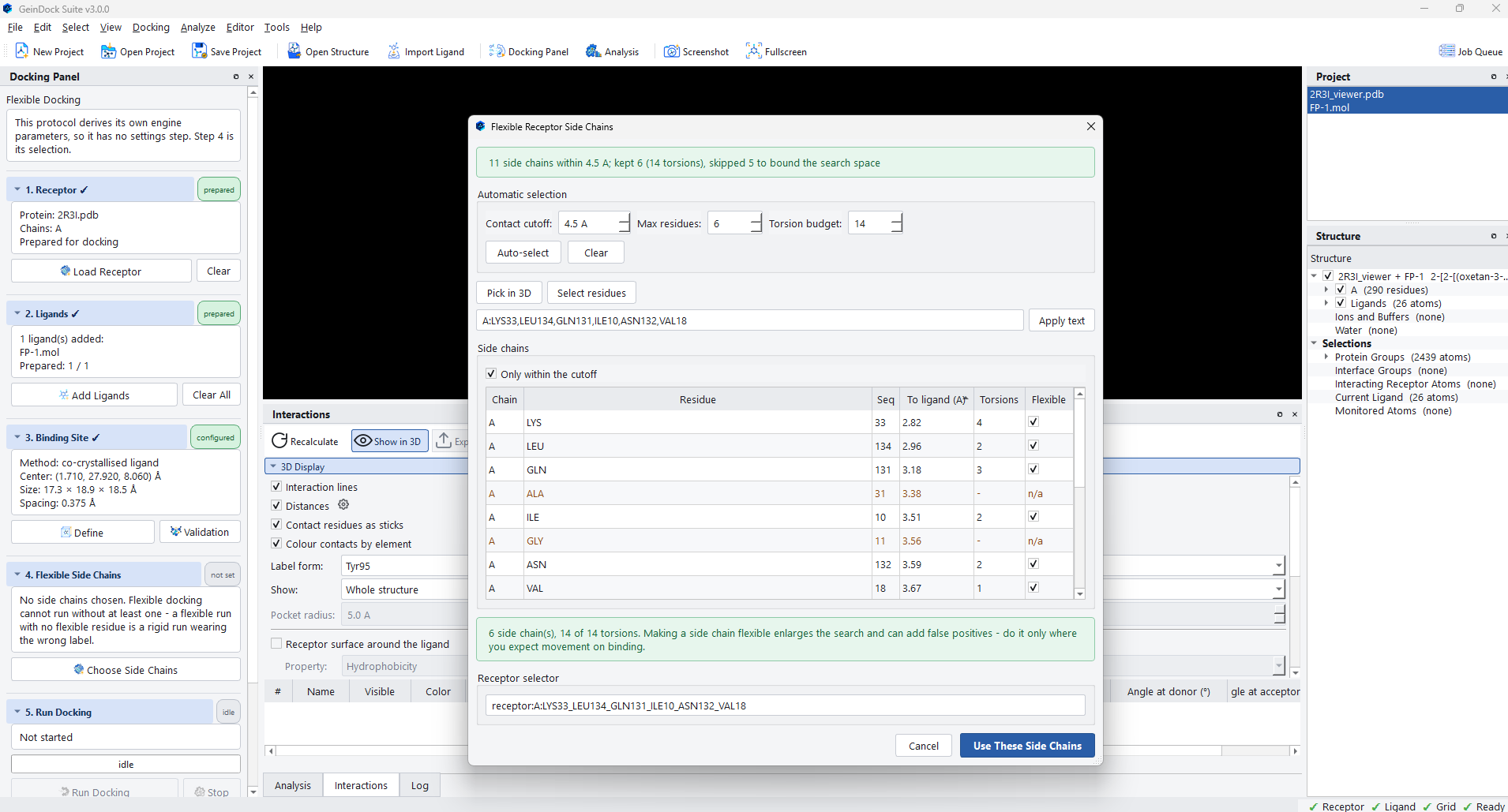
Choose Side Chains opens the picker. It has already made a selection for you when it opens, using the binding site as the reference.
Automatic selection
Three numbers drive the automatic choice, and all three are shown so that the selection is explicable rather than magic.
| Control | Default | What it does |
|---|---|---|
| Contact cutoff | 4.5 Å | How close a side chain must come to the reference ligand or the box to be a candidate. This is the distance at which a residue is genuinely lining the pocket rather than sitting behind it. |
| Max residues | 6 | An upper bound on how many are kept, however many qualify. Beyond a handful, the search space grows faster than the benefit. |
| Torsion budget | 14 | An upper bound on the total rotatable bonds contributed by the selection. This is the number that really matters, because torsions and not residues are what the search has to explore. |
Auto-select re-runs the selection with the current numbers, and Clear empties it. The summary line at the top of the dialog reports what happened and why, so you can see both what qualified and what was left out.
The side chain table
| Column | What it tells you |
|---|---|
| Chain, Residue, Seq | Which residue this is. |
| To ligand (Å) | How close its side chain comes to the reference. The table is sorted by this, so the residues most likely to matter are at the top. |
| Torsions | How many rotatable bonds this residue would contribute. Alanine and glycine show n/a, because they have no side chain torsions to offer and making them flexible would achieve nothing. |
| Flexible | The tick box. This is what you change. |
Choosing by hand
Three ways to override the automatic choice.
- Tick and untick rows in the table directly.
- Turn on Pick in 3D and click residues in the viewer. This is the easiest way to work when you can see the pocket and know which side chain is in the way.
- Press Select residues for a searchable list of every residue in the structure, filtered by chain, by sequence range or by distance, with each entry reporting its torsion count and its distance to the ligand.
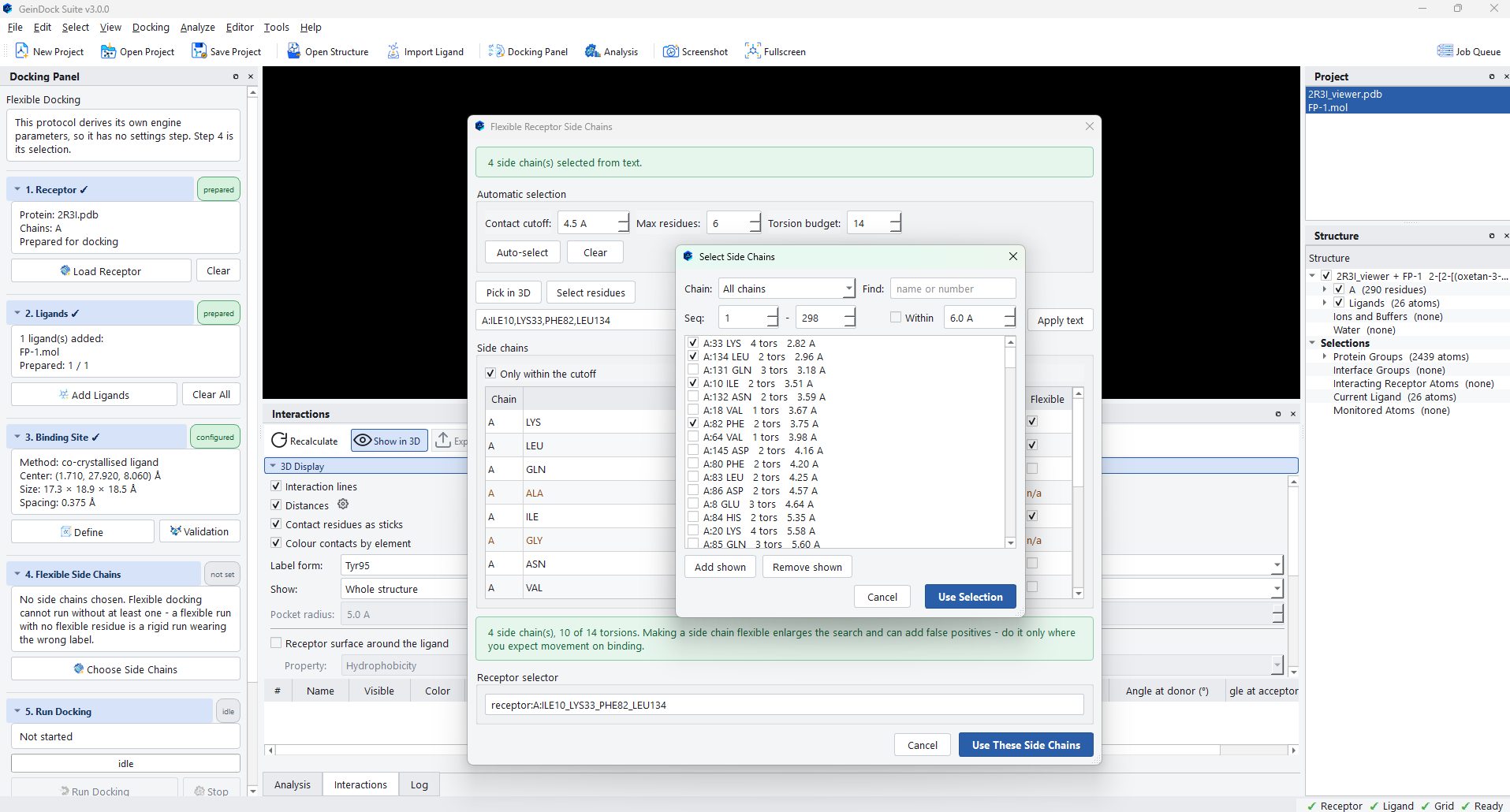
The Receptor selector box at the foot of the dialog always shows the current selection as a text expression, and Apply text reads one back in. That is the field to copy into your notes, and the field to paste into when a colleague sends you a residue list.
Only within the cutoff above the table hides the residues that did not qualify, which makes the list shorter when you are working through a crowded site.
The torsion budget, and why it is the number to watch
The footer reports the running total, in the form four side chains, ten of fourteen torsions, and warns that making a side chain flexible enlarges the search and can introduce false positives.
Each flexible torsion adds a dimension the search must cover, exactly as a rotatable bond on the ligand does. Six flexible side chains contributing fourteen torsions makes the problem roughly as hard as adding fourteen rotatable bonds to your compound. At a fixed exhaustiveness that means the search covers the enlarged space more thinly, so a flexible run that is not given more search effort can easily be worse than the rigid run it replaced.
Reading the result
Poses come back in the usual table, with one column that only this mode fills in.
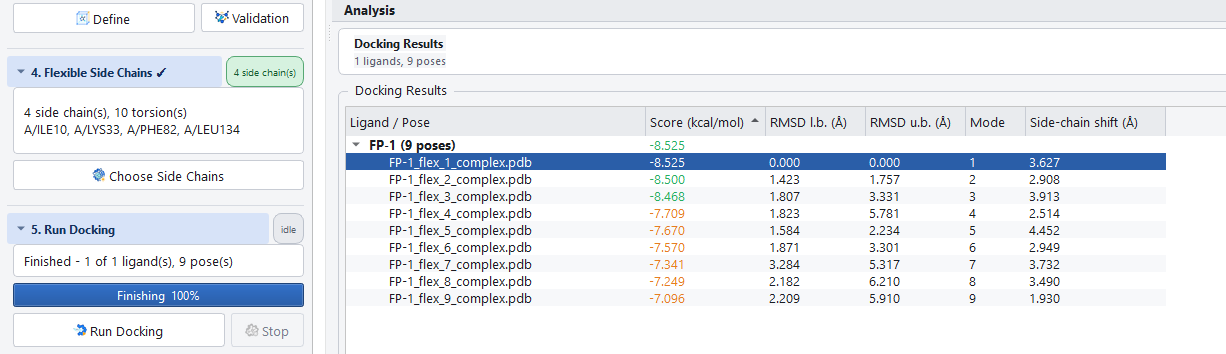
Read that column carefully, because it tells you whether the flexibility earned its cost.
| Shift | What it means | What to do |
|---|---|---|
| Small, well under an Ångström | The side chains barely moved, so the rigid receptor was already adequate. | Go back to ligand docking and spend the search effort on exhaustiveness instead. |
| Moderate, on one or two residues | A specific side chain rotated to let the compound in. This is the case the mode exists for. | Keep it, and check that the moved residue is one you had a reason to expect would move. |
| Large, across several residues | The search may have rearranged the pocket into a shape that has no physical basis in order to accommodate the compound. | Treat with suspicion. Reduce the selection to the residues you can justify and run again. |
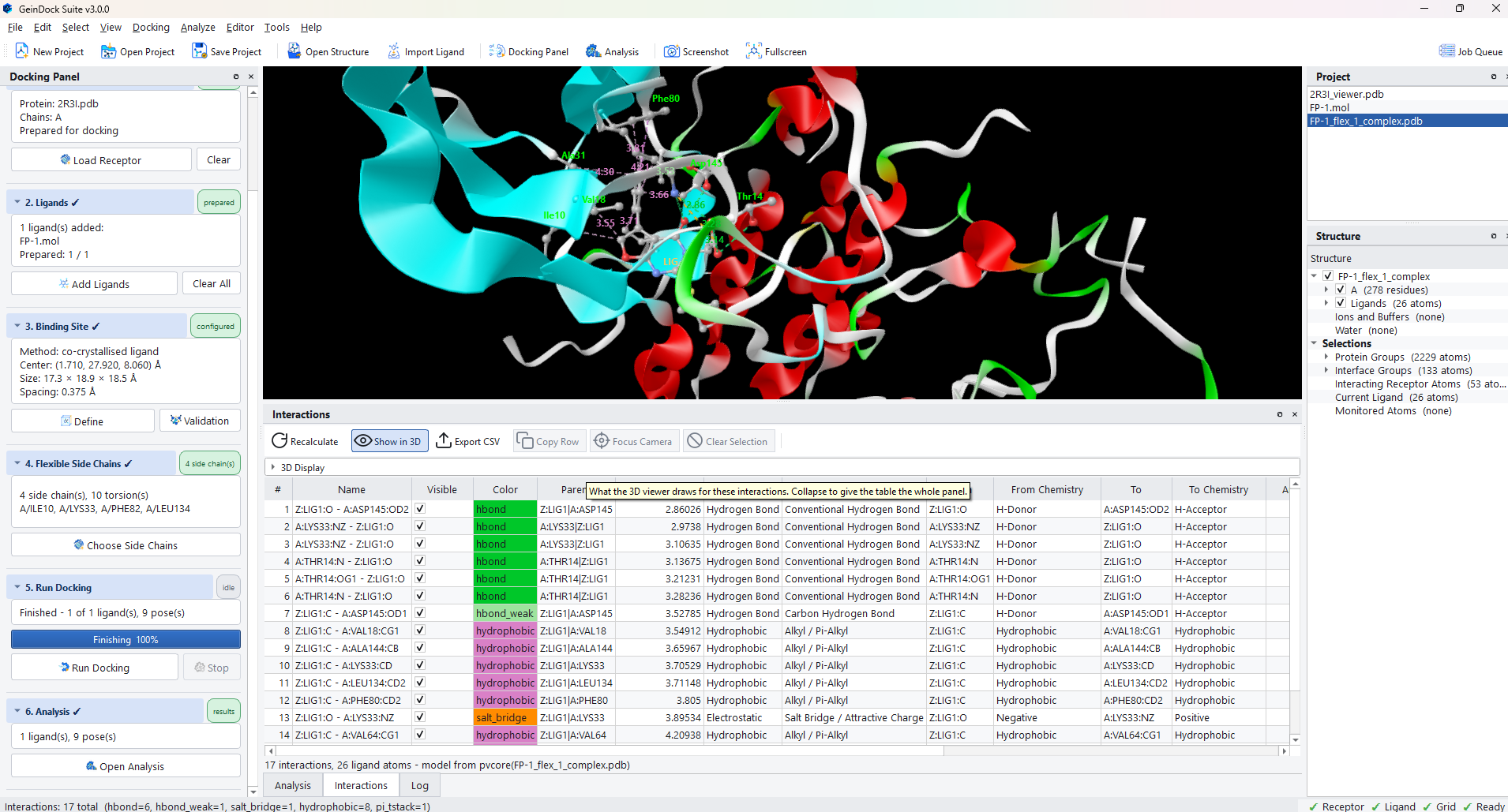
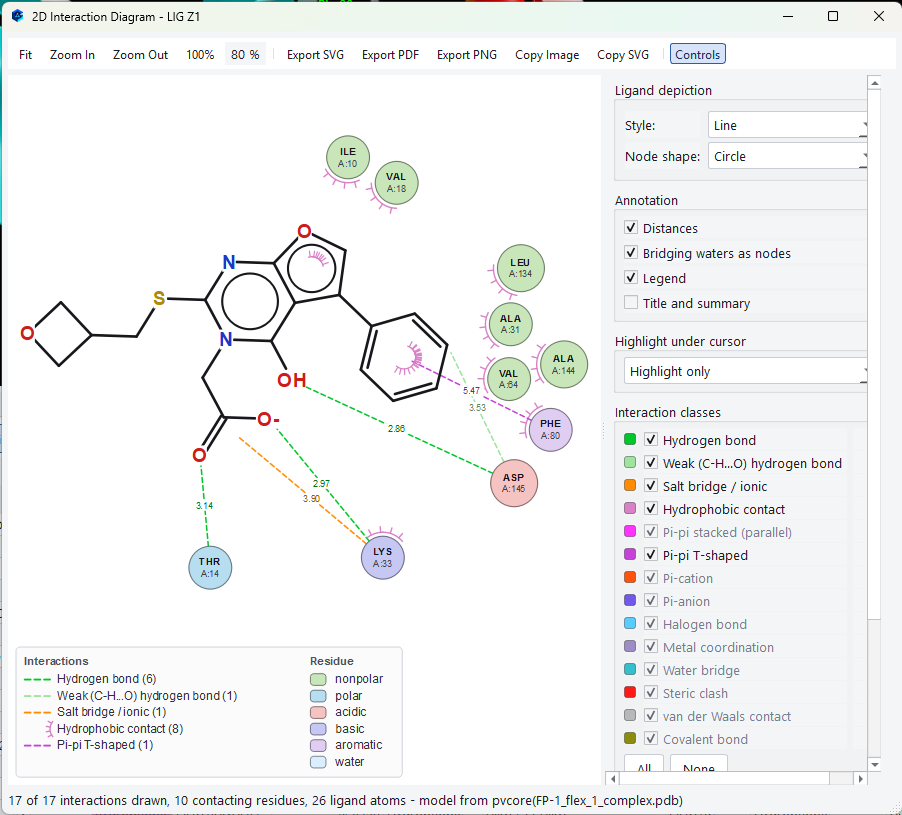
The interaction tools work on a flexible pose exactly as they do on a rigid one, and they are the quickest way to see what the movement bought you: a contact that appears only in the flexible run is the concrete argument for having allowed the movement.