Home › The 3-D viewer
The 3-D viewer
Display styles, colouring, labels and the camera: everything that decides what the picture shows and how it reads.
Moving the view
| Action | Mouse | Keyboard |
|---|---|---|
| Rotate | Drag with the left button | |
| Pan | Drag with the right button | |
| Zoom | Wheel | |
| Frame everything shown | The Fit button | F |
| Front view, fitted | Home | |
| Orthographic projection | O | |
| Full screen | F11 |
Orthographic projection has no perspective, so equal distances are equal lengths anywhere in the picture. It is the right choice for a figure in which a reader might compare two distances by eye.
Display styles
| Style | Key | Best for |
|---|---|---|
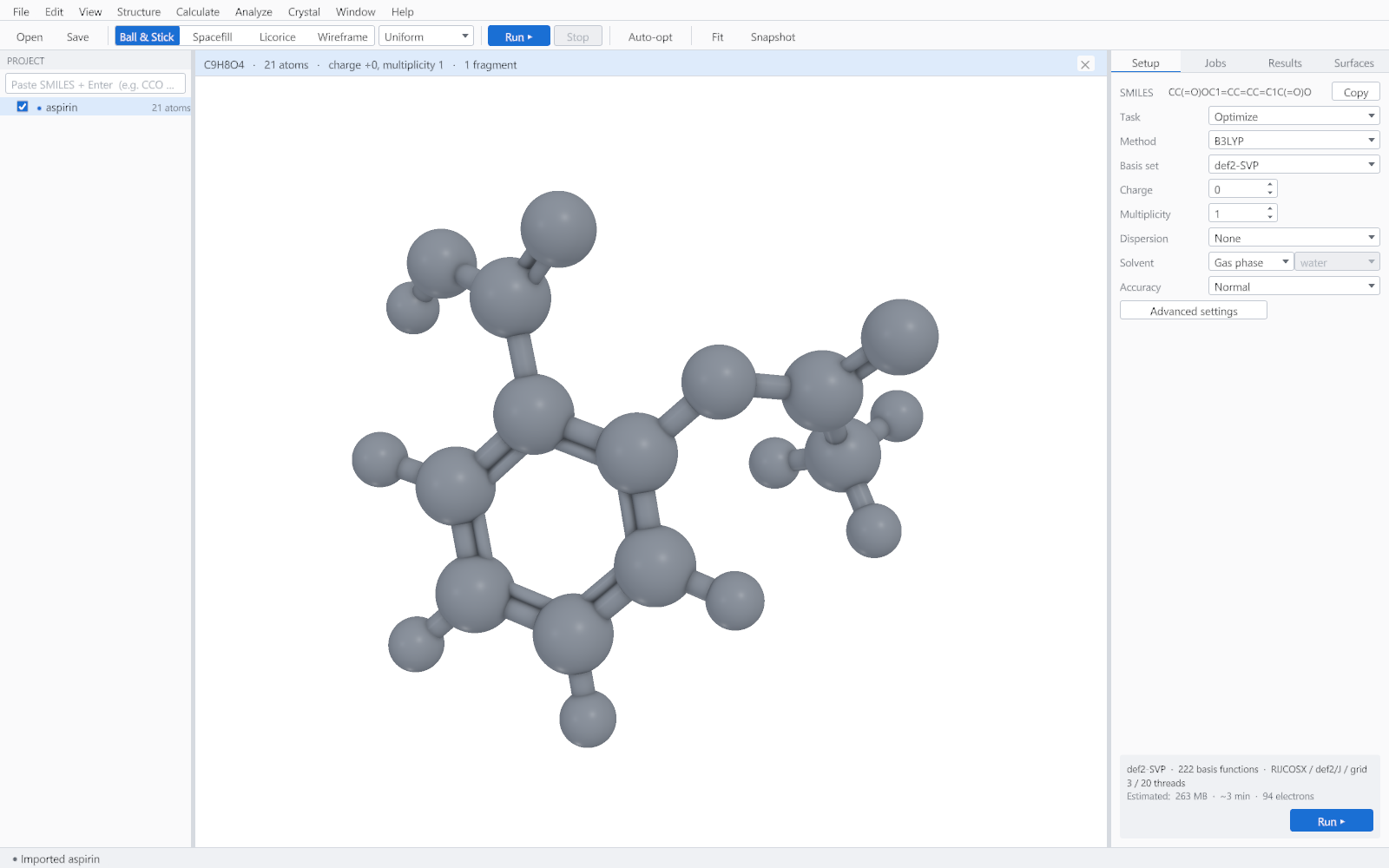
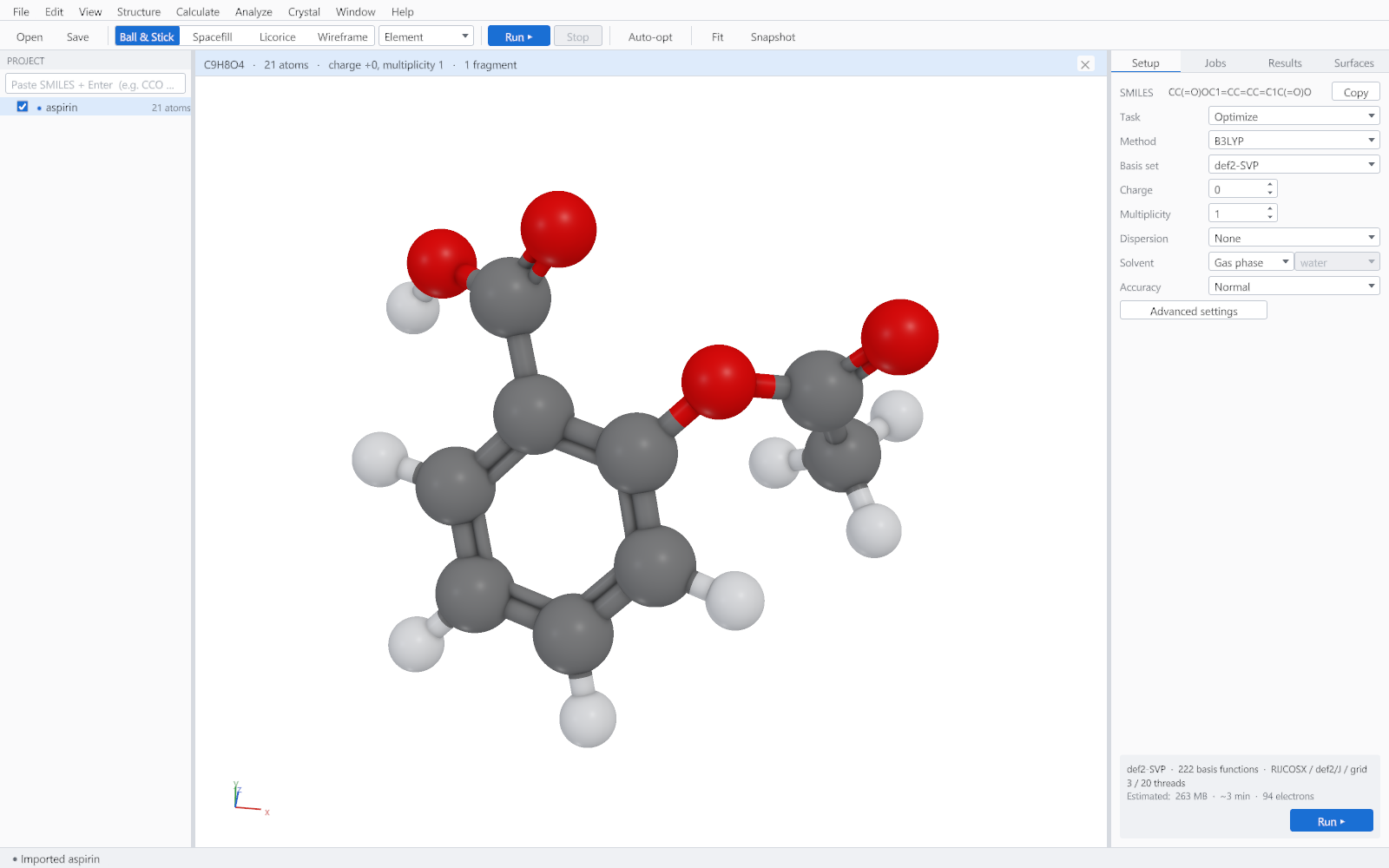
| Ball and stick | 1 | The default. Shows connectivity and geometry at once. |
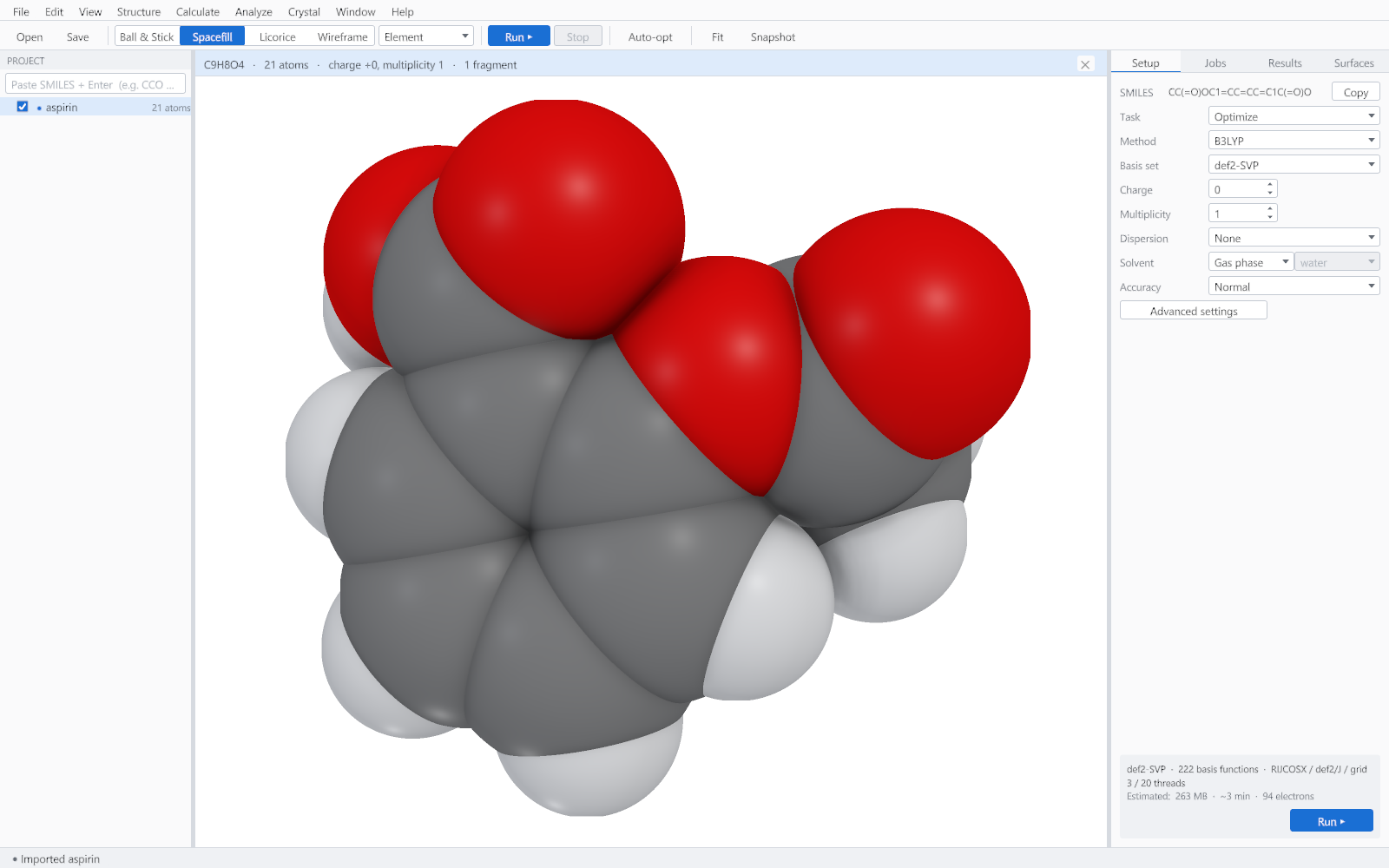
| Spacefill | 2 | Shape and steric bulk, and how a ligand fills a pocket. |
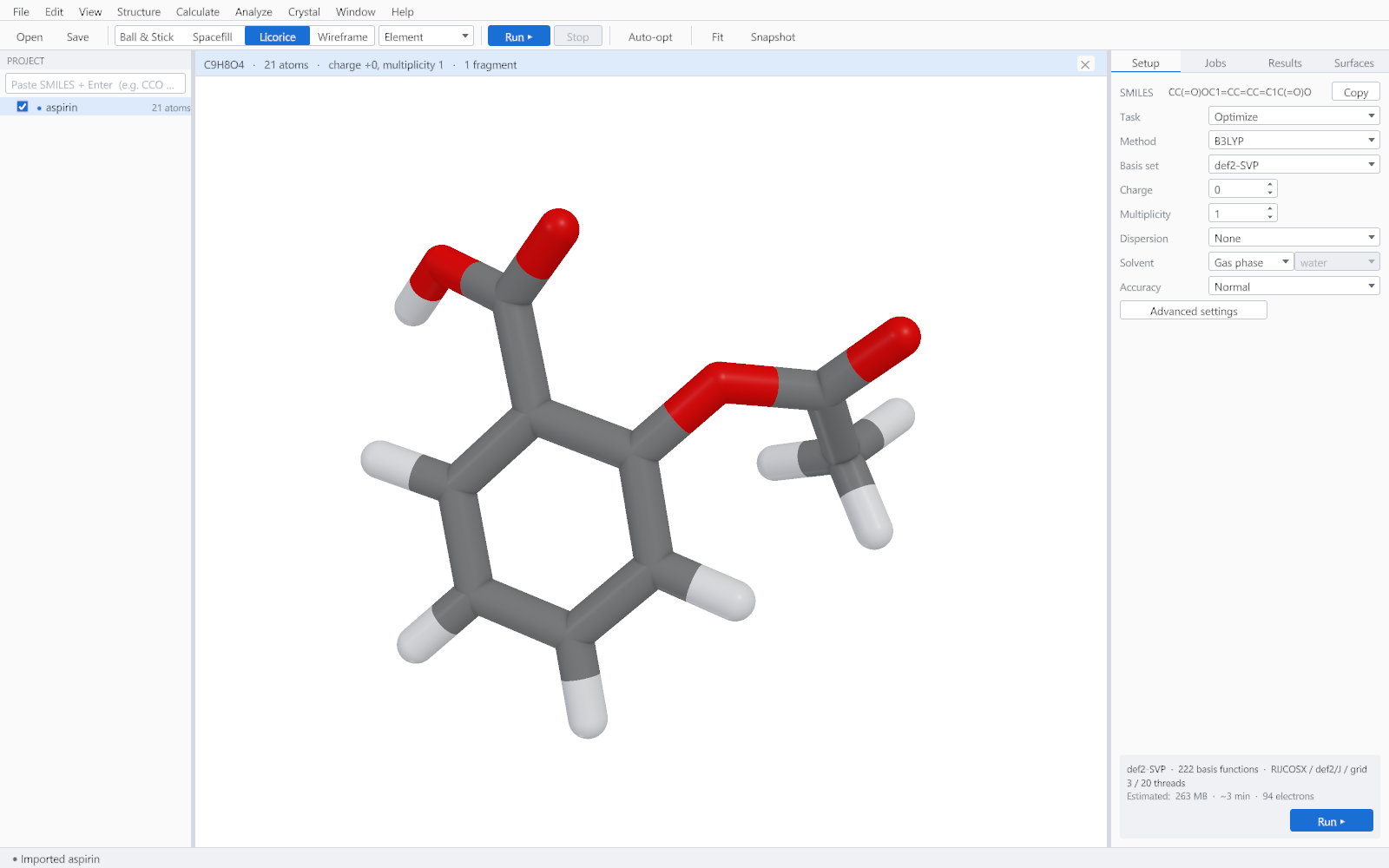
| Licorice | 3 | Larger molecules, where spheres would hide the framework. |
| Wireframe | 4 | Very large systems, and quick work where speed matters more than the picture. |
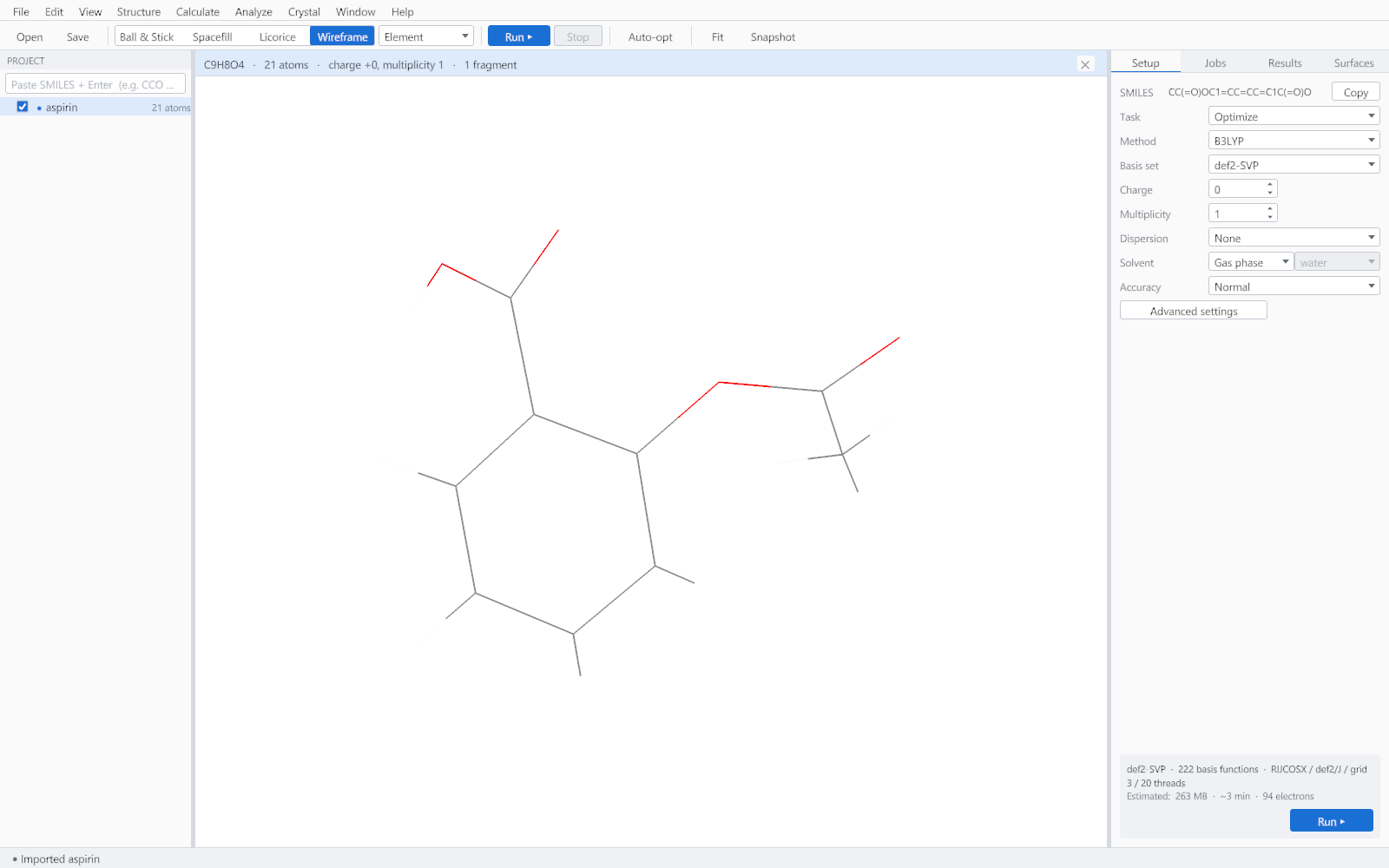
Colouring
| Scheme | What it shows |
|---|---|
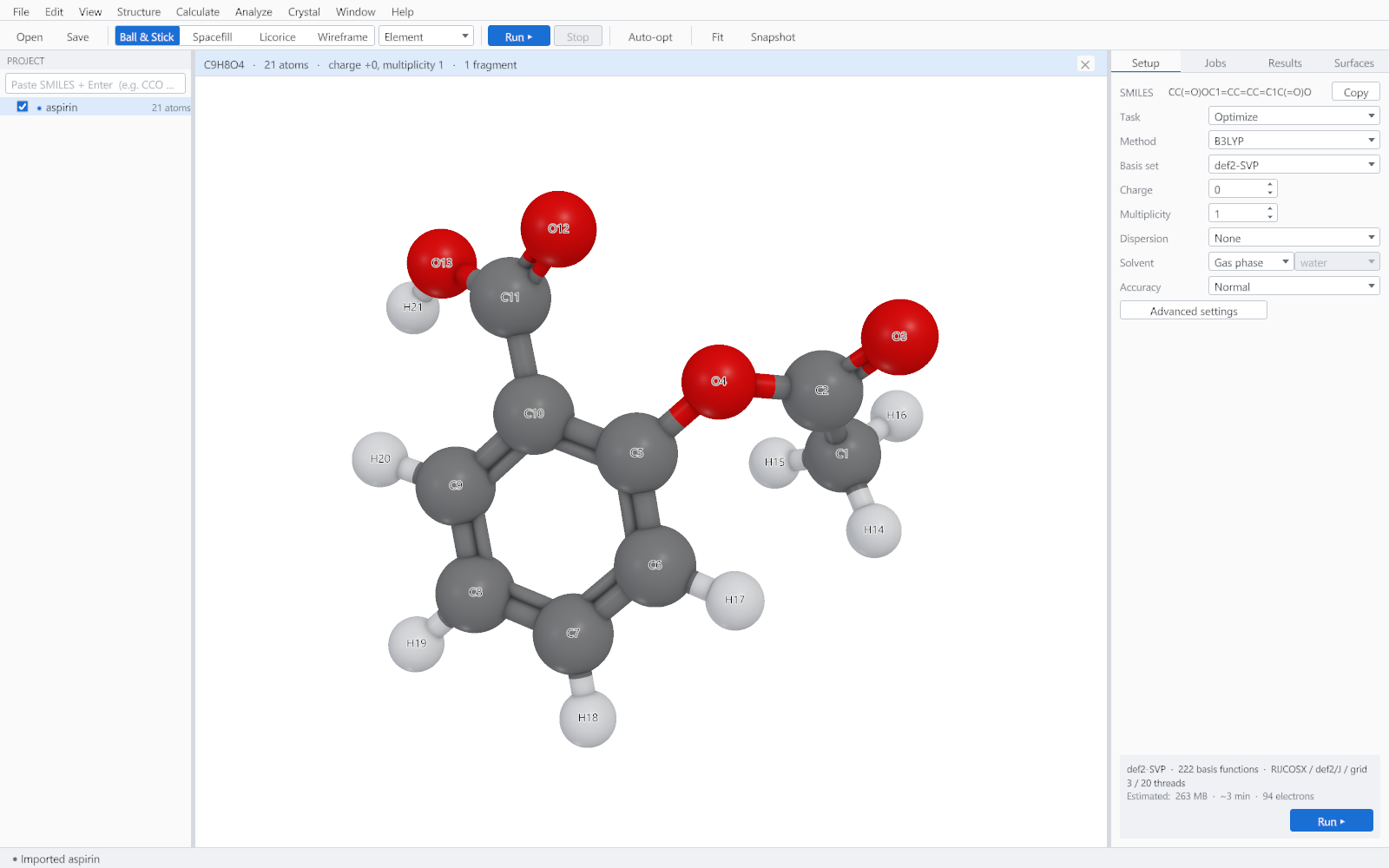
| By element | The standard element colours. The default, and what most readers expect. |
| By fragment | One colour for each disconnected fragment, which is the quickest way to see that a file contains two molecules rather than one. |
| By charge | The computed atomic charges on a diverging scale, after a calculation has produced them. |
| Uniform | A single neutral colour, for a figure where the surface rather than the atoms carries the message. |
Labels and annotations
| Annotation | Key | Shows |
|---|---|---|
| Atom labels | L | Element symbol and atom number. |
| Charge labels | Q | The computed charge on each atom. |
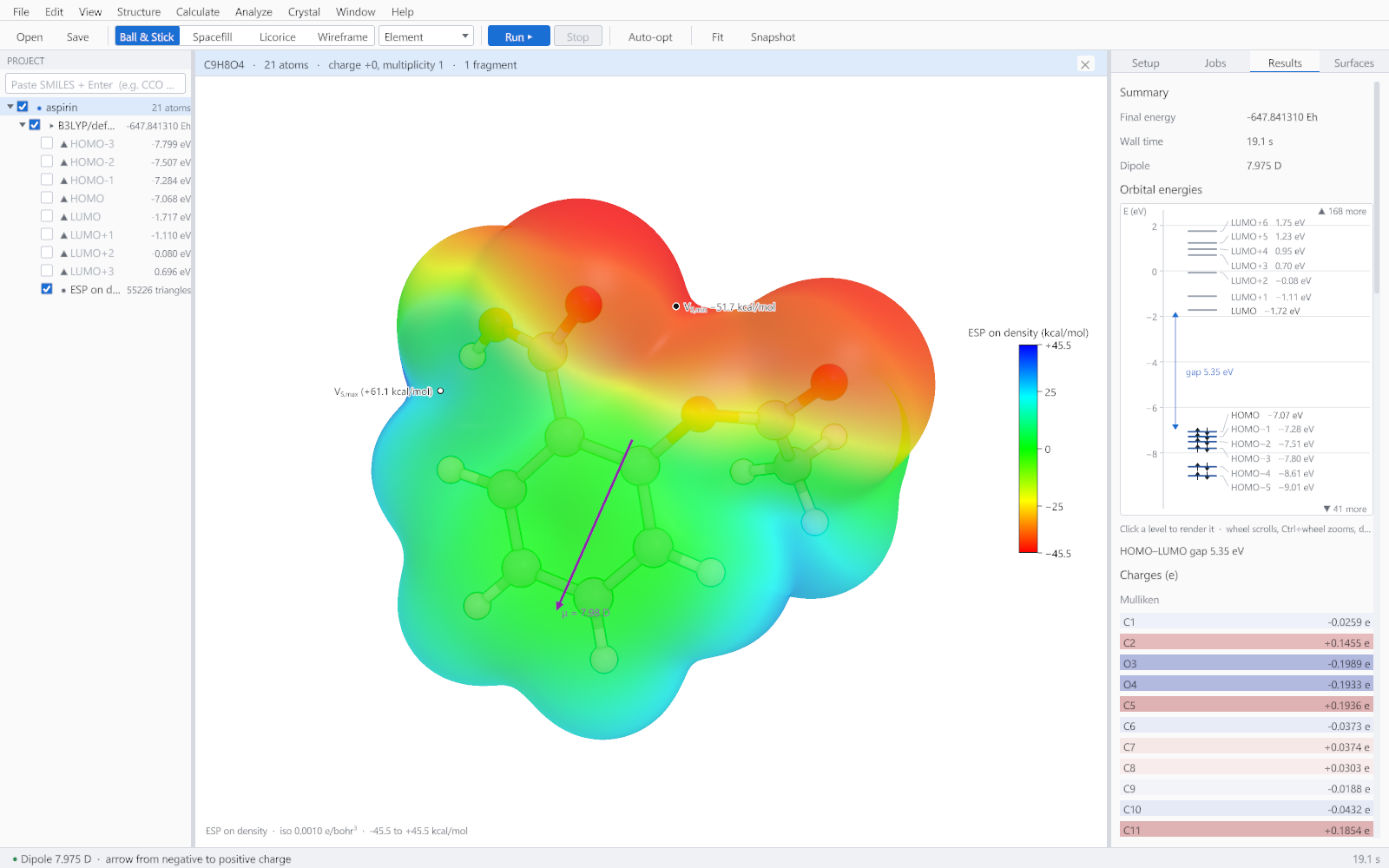
| Dipole arrow | D | The dipole moment vector, drawn through the centre of mass. |
| Axes | A | The coordinate axes. |
| Hydrogens | H | Shows or hides hydrogens in the picture without changing the molecule. |
Background
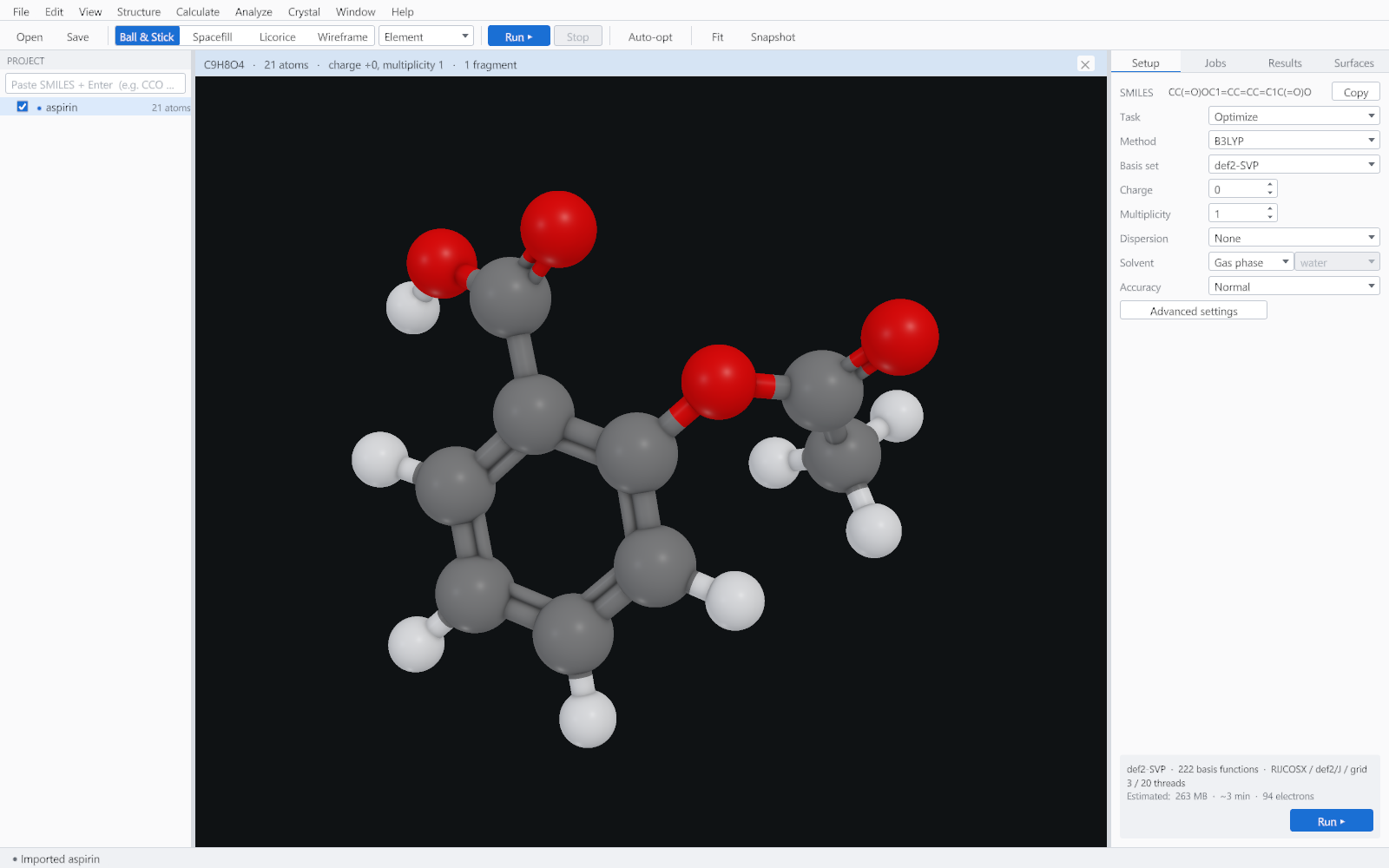
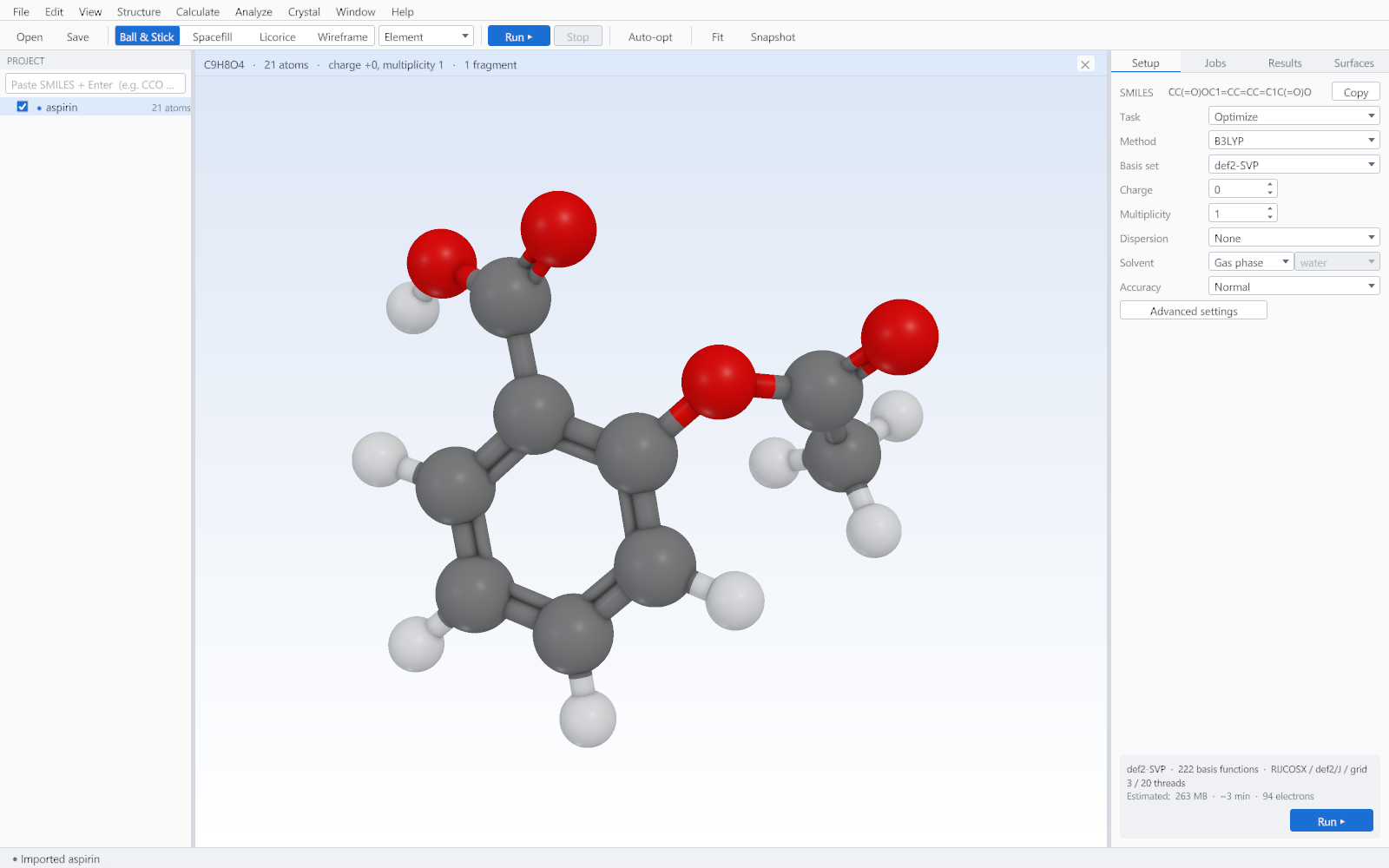
White is the default because it is what a journal wants. Black suits a slide, and the gradient suits a cover image or a poster. The background is part of the exported figure, so choose it before exporting rather than afterwards.