Home › Building from SMILES
Building from SMILES
Turning a line of text into a three-dimensional structure, and what the builder does with stereochemistry, rings and charges.
A SMILES string describes what is bonded to what. It carries no coordinates, so the builder has to produce a geometry: it reads the graph, adds the implicit hydrogens, generates three-dimensional coordinates that satisfy the bonding, and relaxes the result with the force field.
Two ways to build one
| Route | How |
|---|---|
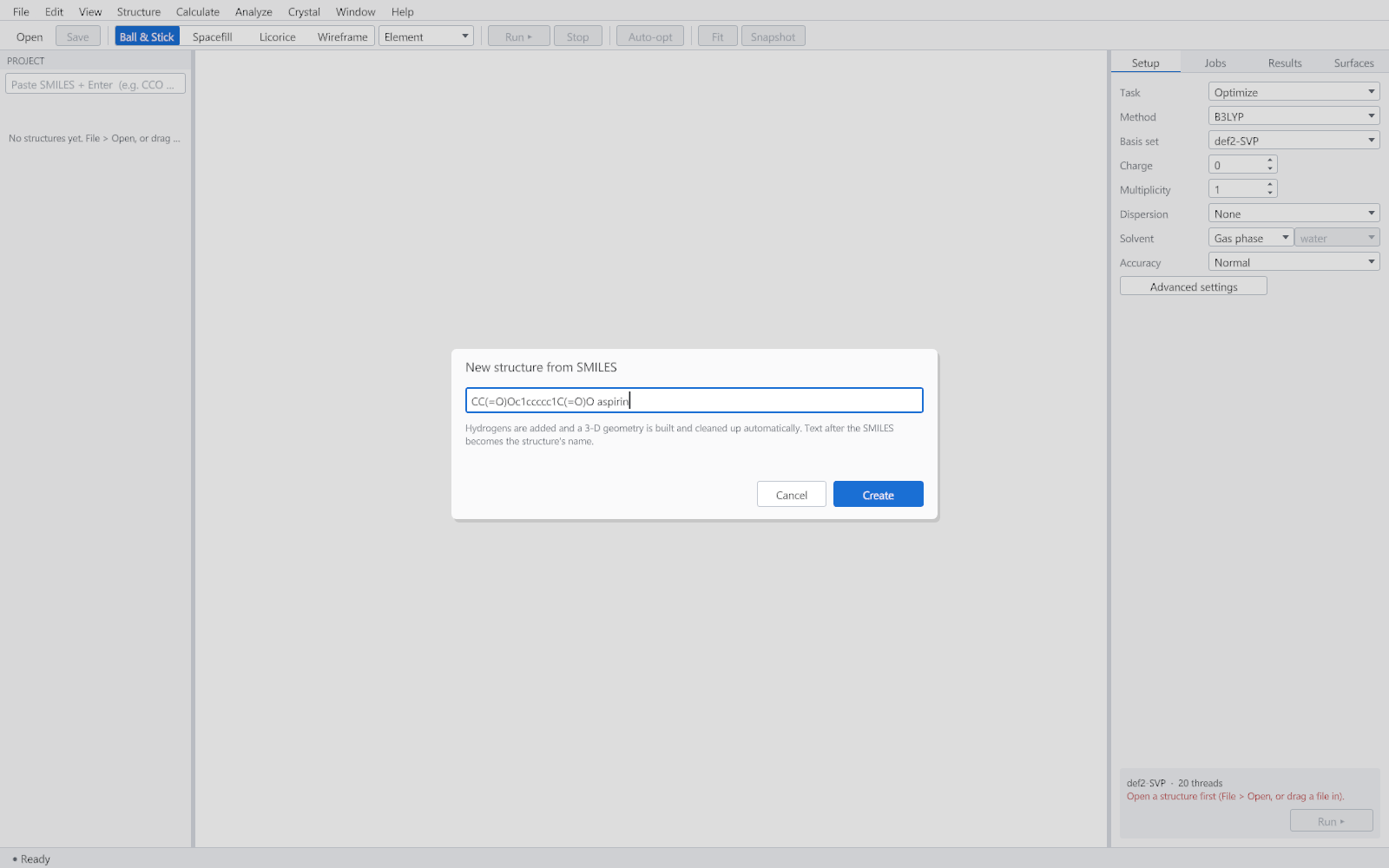
| The SMILES box | At the top of the project panel. Paste, press Enter, and the structure appears. Text after the SMILES becomes its name. |
| File > Import from SMILES | Or Ctrl+Shift+N, which opens the dialog below. |
What the parser accepts
- The organic subset and bracket atoms, with isotope, charge, hydrogen count and atom class.
- Single, double, triple, aromatic and directional bonds.
- Branches, ring closures including the two-digit form, and disconnected fragments separated by a full stop, which is how salts are written.
- Tetrahedral stereochemistry written with
@and@@, and double-bond geometry written with/and\.
What the builder guarantees
| Property | What is done |
|---|---|
| Hydrogens | Added to satisfy the standard valence of each element, taking formal charges and bond orders into account. |
| Stereochemistry | Reproduced as written. Tetrahedral centres are checked by the sign of the volume they enclose, and double-bond geometry by the dihedral angle. |
| Rings | Fused, bridged and macrocyclic systems are built as closed rings rather than forced into a plane. |
| Aromatic systems | Come out planar, which is the first thing to check by eye. |
| Clashes | No two non-bonded atoms are left closer than the sum of their radii allows. |
| Repeatability | The same string gives the same geometry every time. |
The builder produces one reasonable conformation, not the global minimum and not a conformer ensemble. For a geometry you intend to quote, follow it with a geometry optimisation, which is what the Setup tab is for. For a search over conformations, use Structure > Conformer Search.
Checking what you built
The summary bar reports the formula and the atom count, which is the quickest check that the string was the one you meant. The Setup tab shows the SMILES of whatever structure is active, with a Copy button, so a structure that arrived as a file can be turned back into a string.