Home › Publication figures
Publication figures
Exporting a figure at a size and resolution a journal will accept, and what the renderer does to make it reproducible.
Two ways to get a picture out
| Command | Shortcut | Produces |
|---|---|---|
| Snapshot | The window view as it is, at screen resolution. For notes and quick sharing. | |
| File > Export Figure | Ctrl+Shift+E | A rendered figure at a chosen physical size and resolution, with the resolution recorded in the file so that a publisher reads it correctly. |
| Edit > Copy Image | Ctrl+Shift+C | The view on the clipboard, to paste straight into a document. |
What the renderer does for you
| Feature | Why it matters |
|---|---|
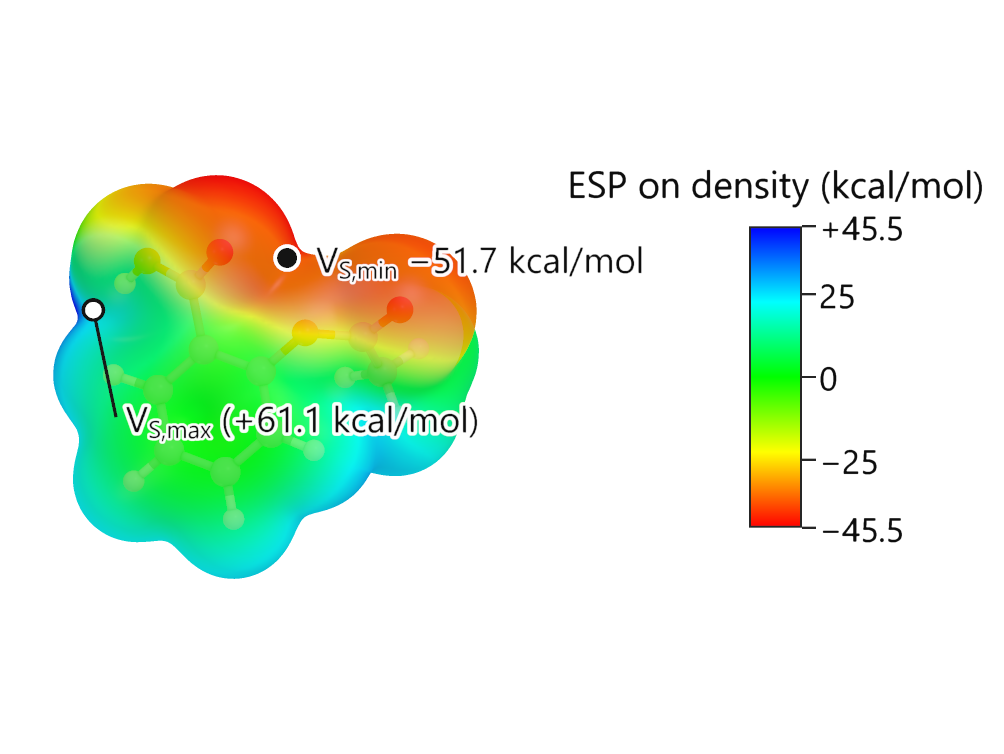
| Deterministic framing | The view is chosen from the molecule itself: the principal plane of the heavy atoms faces the page, tilted for orbitals so that lobes above and below a ring separate. The same molecule always gives the same framing. |
| Supersampling | The image is rendered larger and reduced, so edges are smooth at any output size. |
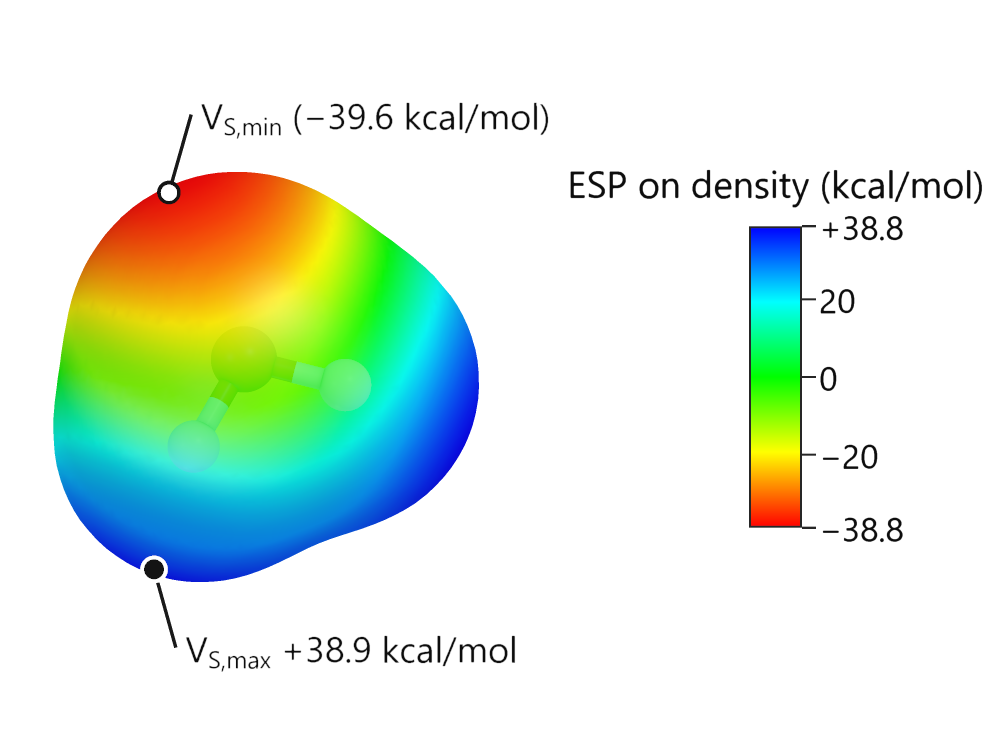
| Everything inside the frame | Atoms, bonds and every surface vertex are fitted inside the area left free by the colour bar and the caption, so nothing is clipped. |
| Caption | States what is shown, the method and basis set, the isovalue and which colour is which phase. It can be replaced or removed. |
| Resolution metadata | The physical resolution is written into the PNG, which is what a journal production system reads. |
Choosing size and resolution
| Target | Width | Resolution |
|---|---|---|
| Single column in a journal | 85 mm | 300 dpi |
| Double column | 170 mm | 300 dpi |
| Cover or poster | 170 mm or more | 600 dpi |
| Slide | Any | 150 dpi is ample |
A figure for print should be exported on a white background with the colour bar shown. A figure for a dark slide should use the black background. Converting one to the other afterwards rarely looks right.
Figures without opening the window
The same renderer is available from the command line, so figures can be produced in batch from finished calculations. See The command line.