Hydrogens and geometry cleaning
Completing valences, relaxing a rough geometry with the force field, and watching the atoms move while they settle.
Hydrogens
| Command | Shortcut | What it does |
|---|---|---|
| Add Hydrogens | Ctrl+H | Completes every valence from the bond orders and formal charges, and places the new atoms at sensible positions. |
| Remove Hydrogens | Ctrl+Shift+H | Deletes every hydrogen. Useful before handing a structure to a tool that wants a heavy-atom skeleton. |
| Show Hydrogens | H | Hides them in the picture without deleting them. The calculation still uses them. |
Cleaning a geometry
Structure > Clean Geometry (Ctrl+L) relaxes the structure with the force field. It is the right thing to do after sketching, after pasting coordinates of doubtful origin, or after building from SMILES if the result looks strained. It is not a substitute for a geometry optimisation with the quantum mechanical method, which is what produces a geometry worth quoting.
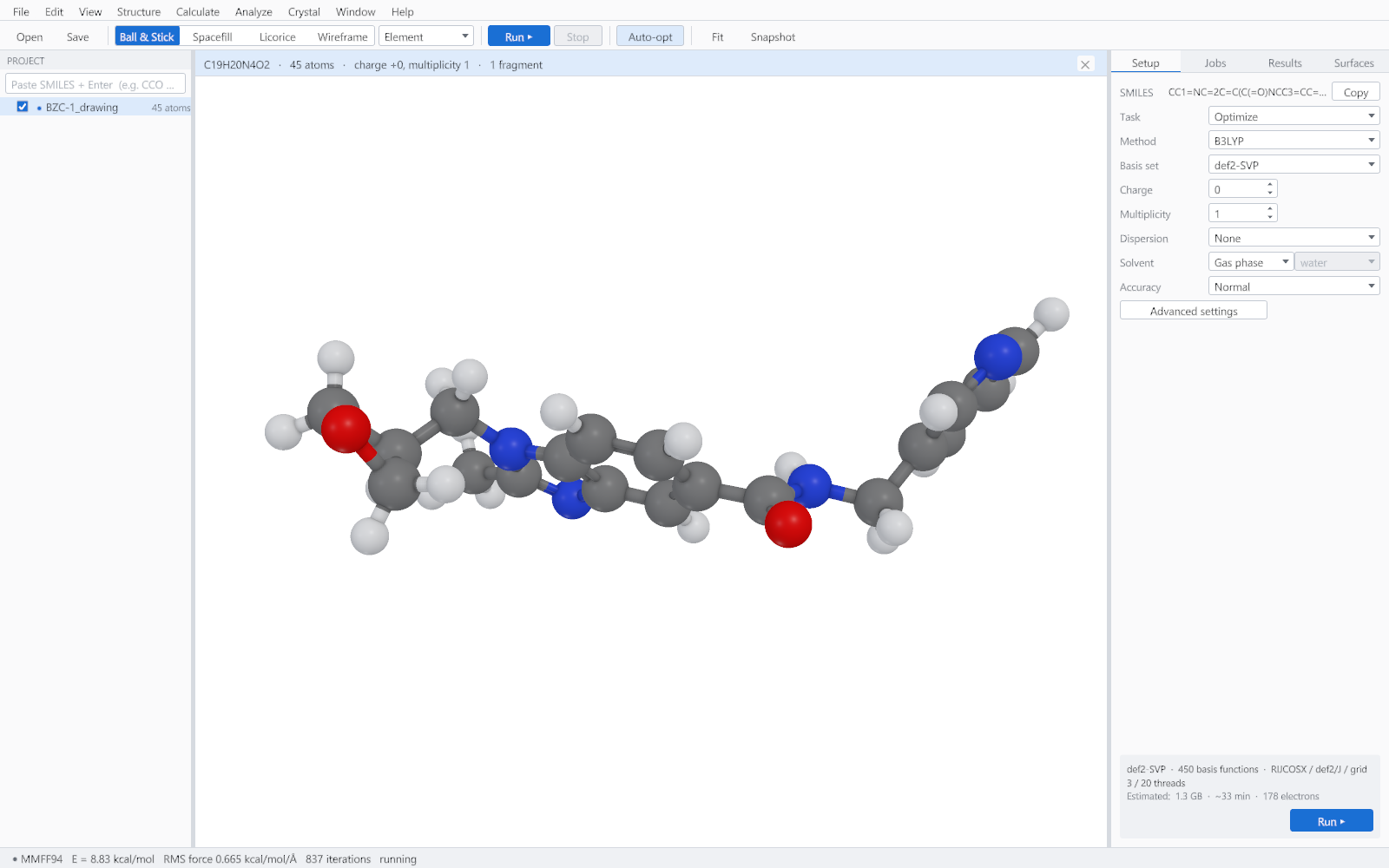
Auto-optimise
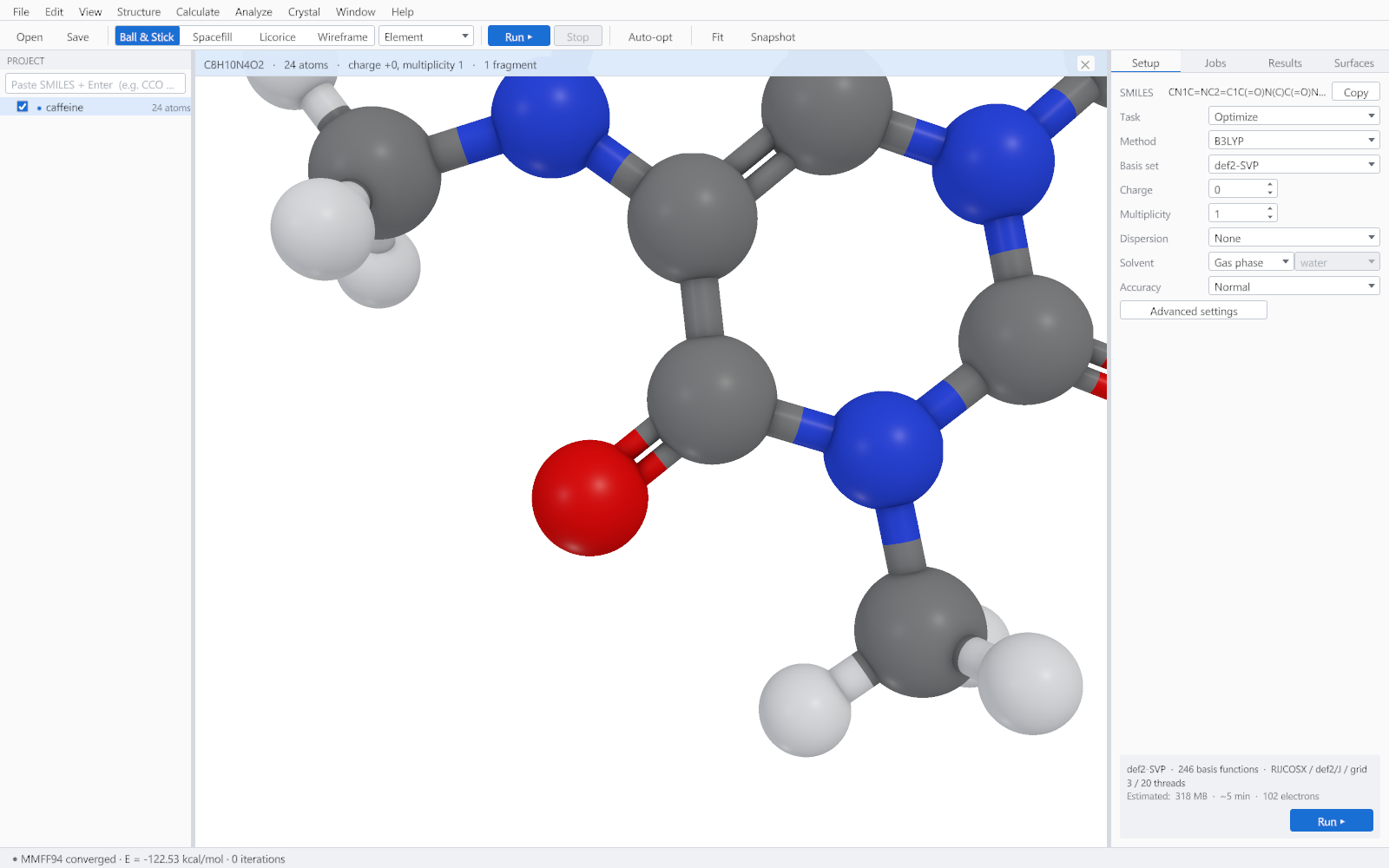
Structure > Auto-optimise (Ctrl+Alt+O) leaves the force field running continuously. The atoms move in the viewer as the energy falls, and when you drag an atom the rest of the molecule relaxes around it instead of waiting until you let go. It stops when the structure has settled and starts again when you disturb it.
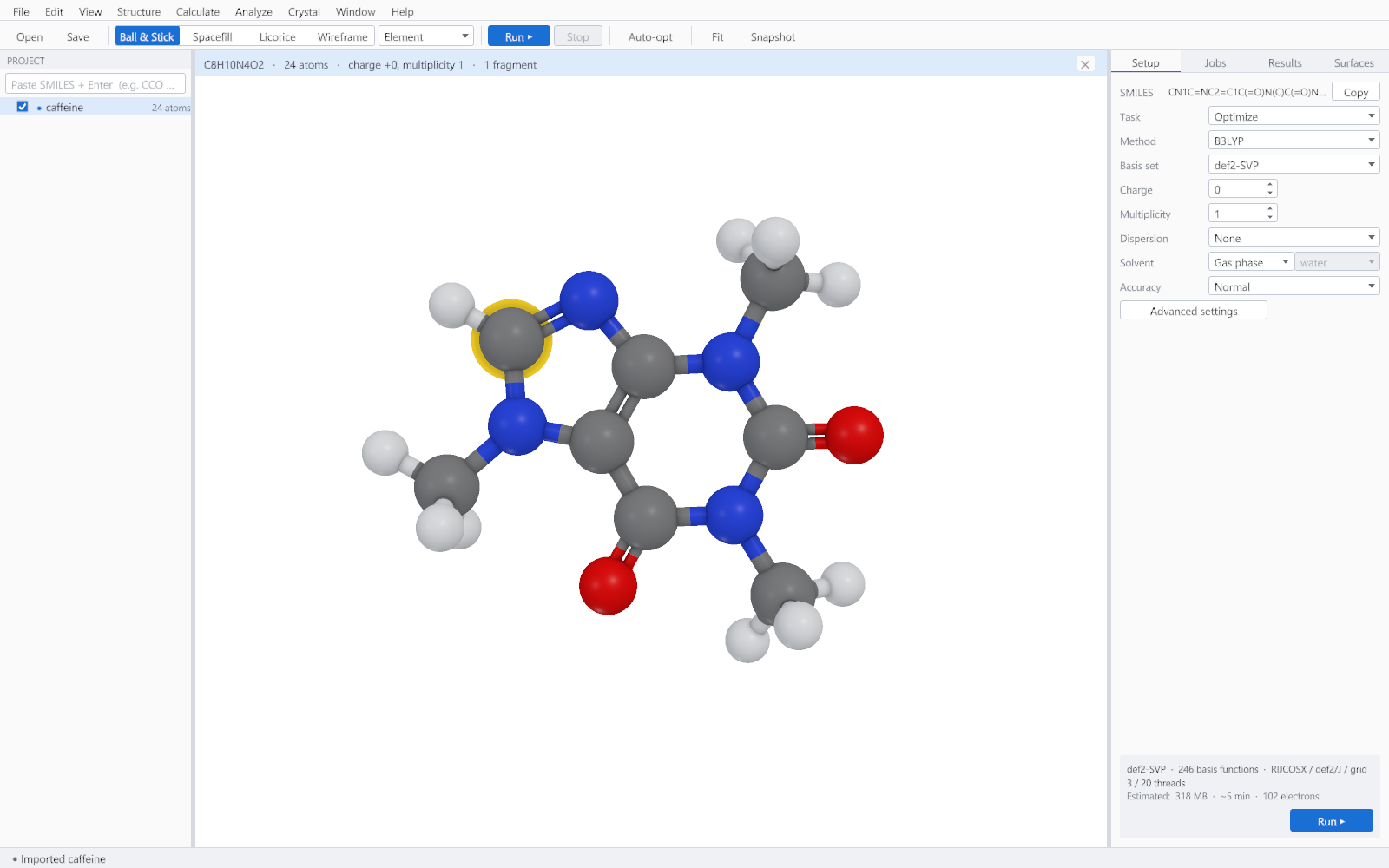
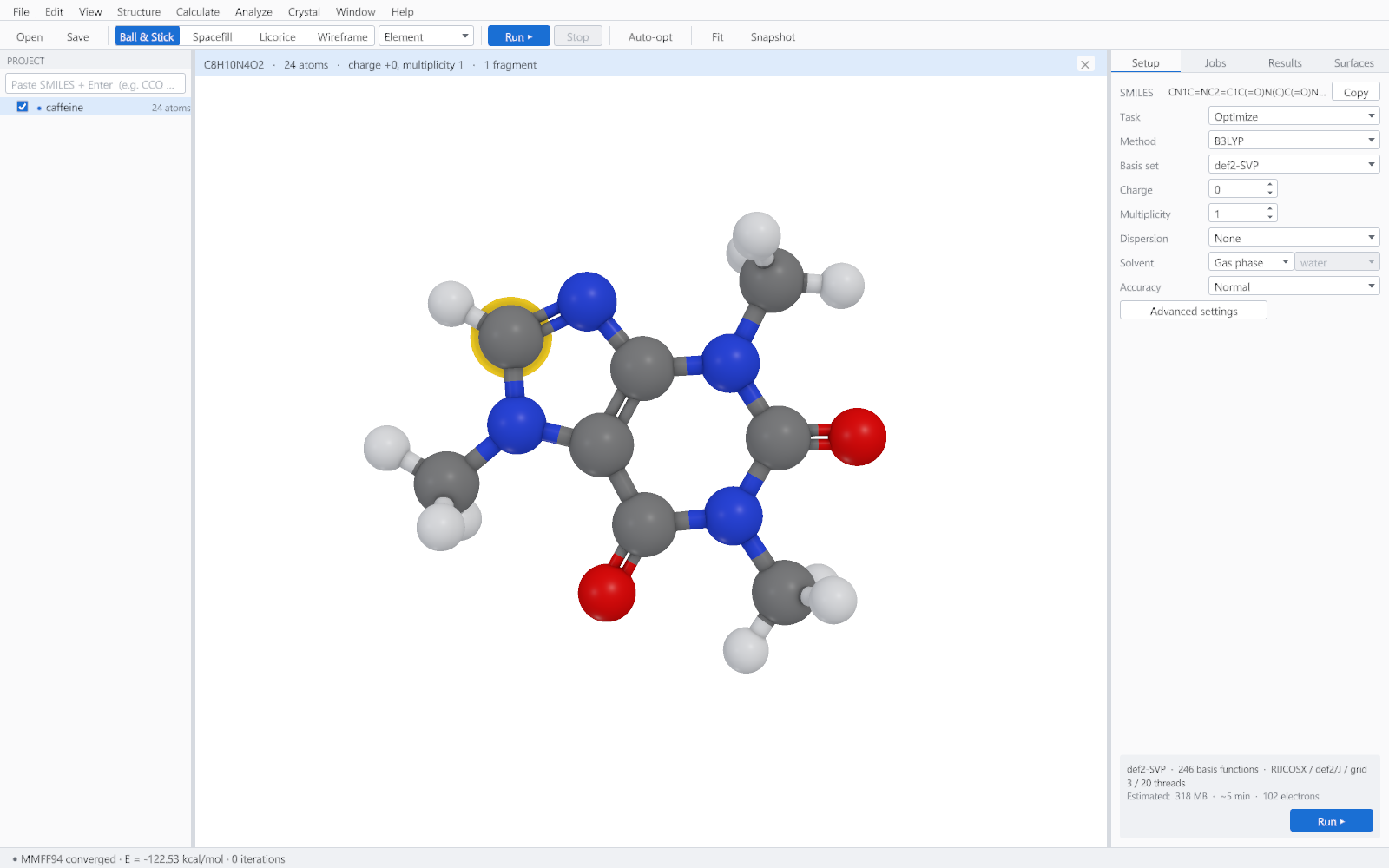
Which force field is used
| Use | Field |
|---|---|
| Building and cleaning any structure | A general force field covering the whole periodic table, chosen so that a structure of any composition gets a sensible geometry. |
| Ligands and drug-like molecules | MMFF94, through Structure > Optimise Ligand and Conformer Search. It is parameterised for organic chemistry and gives better bond lengths and torsions for that chemistry than a general field can. |
Undo
Every structure edit can be undone with Ctrl+Z and redone with Ctrl+Y, including hydrogen addition, cleaning and deletion. A calculation cannot be undone; it is a record, and it is removed by deleting it from the project tree.