Running and monitoring
Starting a calculation, watching it converge, stopping it, and what happens when it fails.
Starting
Calculate > Run (Ctrl+R), the Run button on the toolbar, or the Run button in the setup dialog all do the same thing. The calculation runs on worker threads, so the window keeps responding: you can rotate the molecule, measure it and read the earlier results while it works.
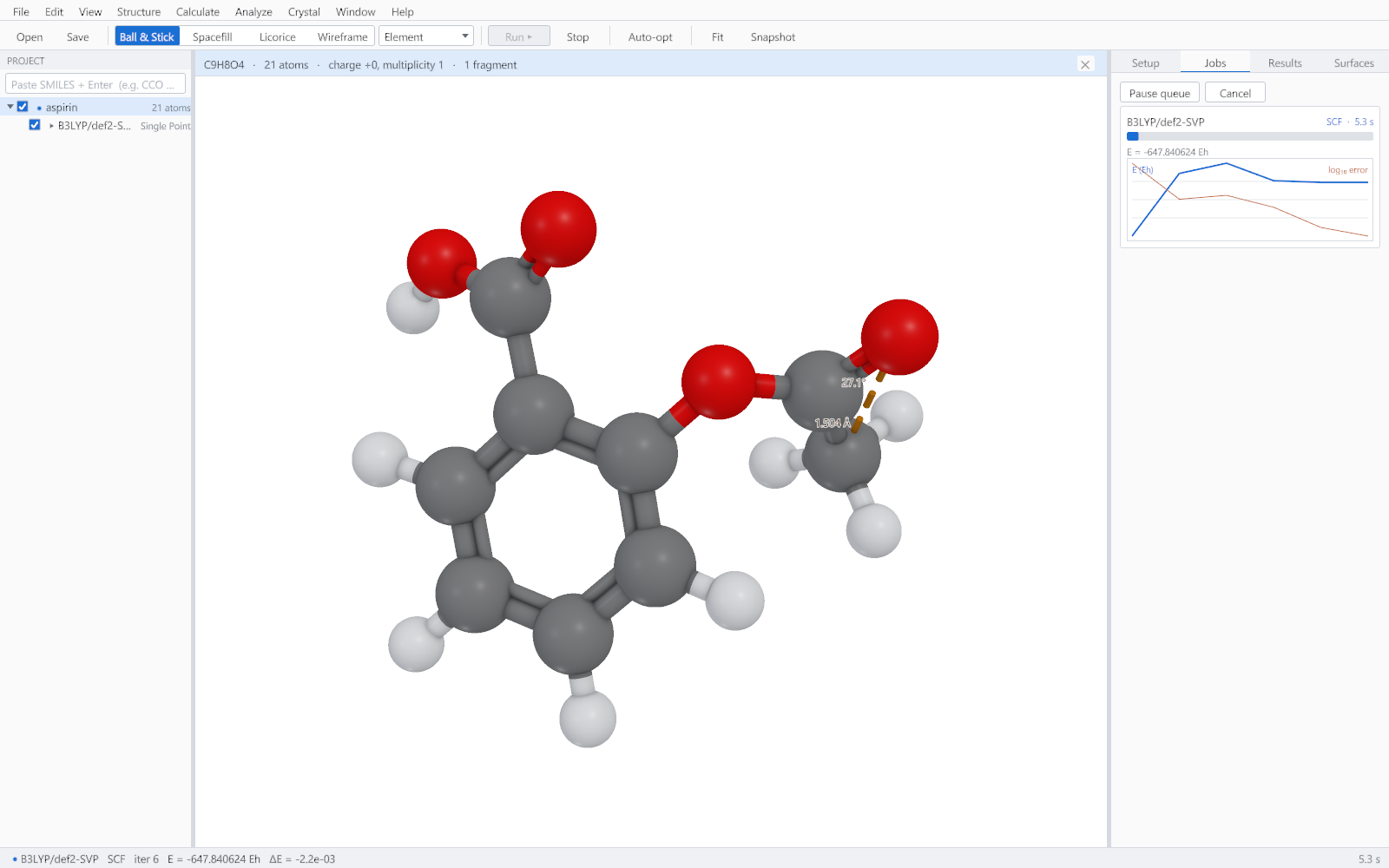
What the Jobs tab shows
| Element | What it tells you |
|---|---|
| Phase | Which stage the job is in: preparing, the SCF, the gradient, properties or the volumetric fields. |
| Elapsed time | Counts continuously, so a job that has stopped making progress is obvious. |
| Energy | The total energy at the current iteration, so you can see it settle. |
| Convergence plot | The energy change and the error measure, on a logarithmic scale. A straight run downwards is healthy; a flat or oscillating trace is the signature of a convergence problem. |
| Optimisation steps | For a geometry optimisation, the step number and the energy of each step, with the structure in the viewer moving as it goes. |
Watching a geometry optimisation
During an optimisation the viewer shows each new geometry as it is accepted, so the molecule visibly relaxes. When the job finishes, the whole path can be replayed with the slider on the job card, which is the quickest way to see whether an optimisation went where you expected or wandered off into a different conformation.
Stopping
Calculate > Stop or Esc cancels the running calculation. The request reaches the engine inside one iteration, and any partial files the job had started writing are removed, so a cancelled job leaves nothing behind that could be mistaken for a result.
When a job finishes
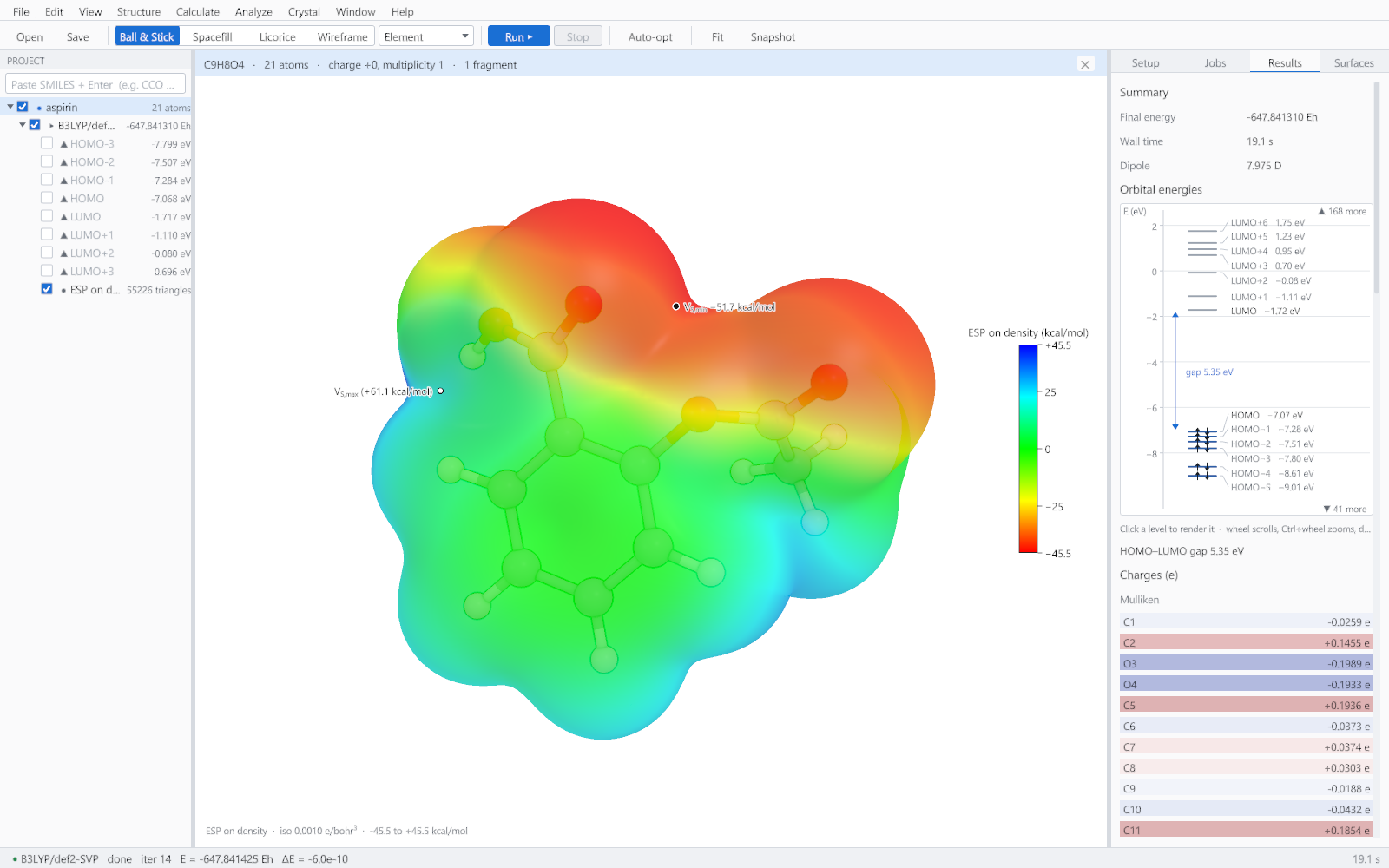
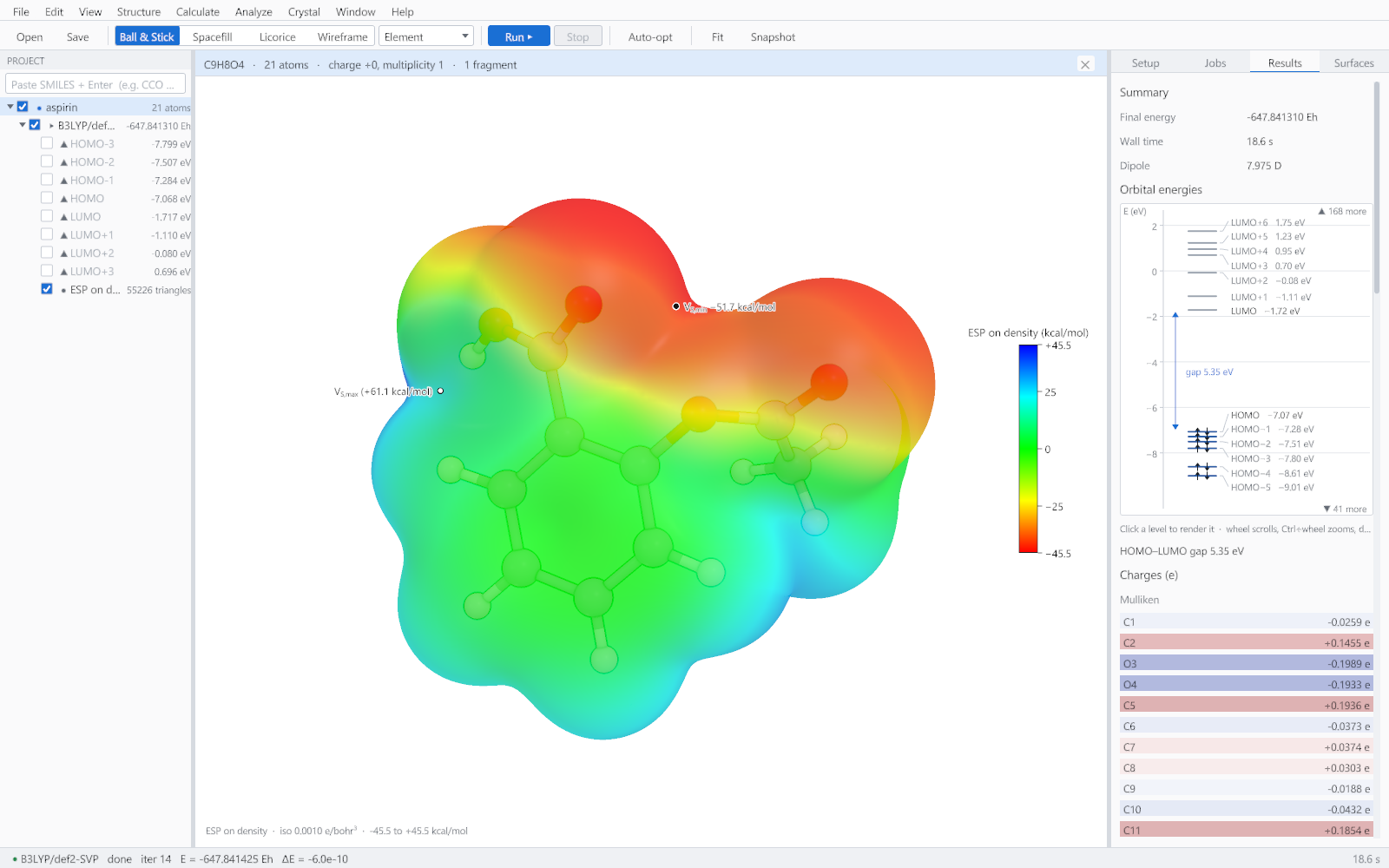
A finished job adds a node to the project tree carrying its orbital list and its surfaces, and writes its files to a folder named after the structure and the method. See Exporting and interoperability for what those files are.
When a job fails
A failure is reported on the card in red, with the message the engine produced and buttons to open the output file or the folder. The common causes are a structure that is not chemically sensible, a multiplicity that does not match the electron count, and an SCF that would not converge. In each case the message names the cause.