The calculation setup
Choosing the task, the method and the basis set, and reading the estimate the program makes before you commit to the run.
Everything a calculation needs is on the Setup tab of the task panel, with the same controls repeated in a larger dialog opened by Calculate > Setup (Ctrl+K). The tab is for quick changes, the dialog for setting a job up completely.
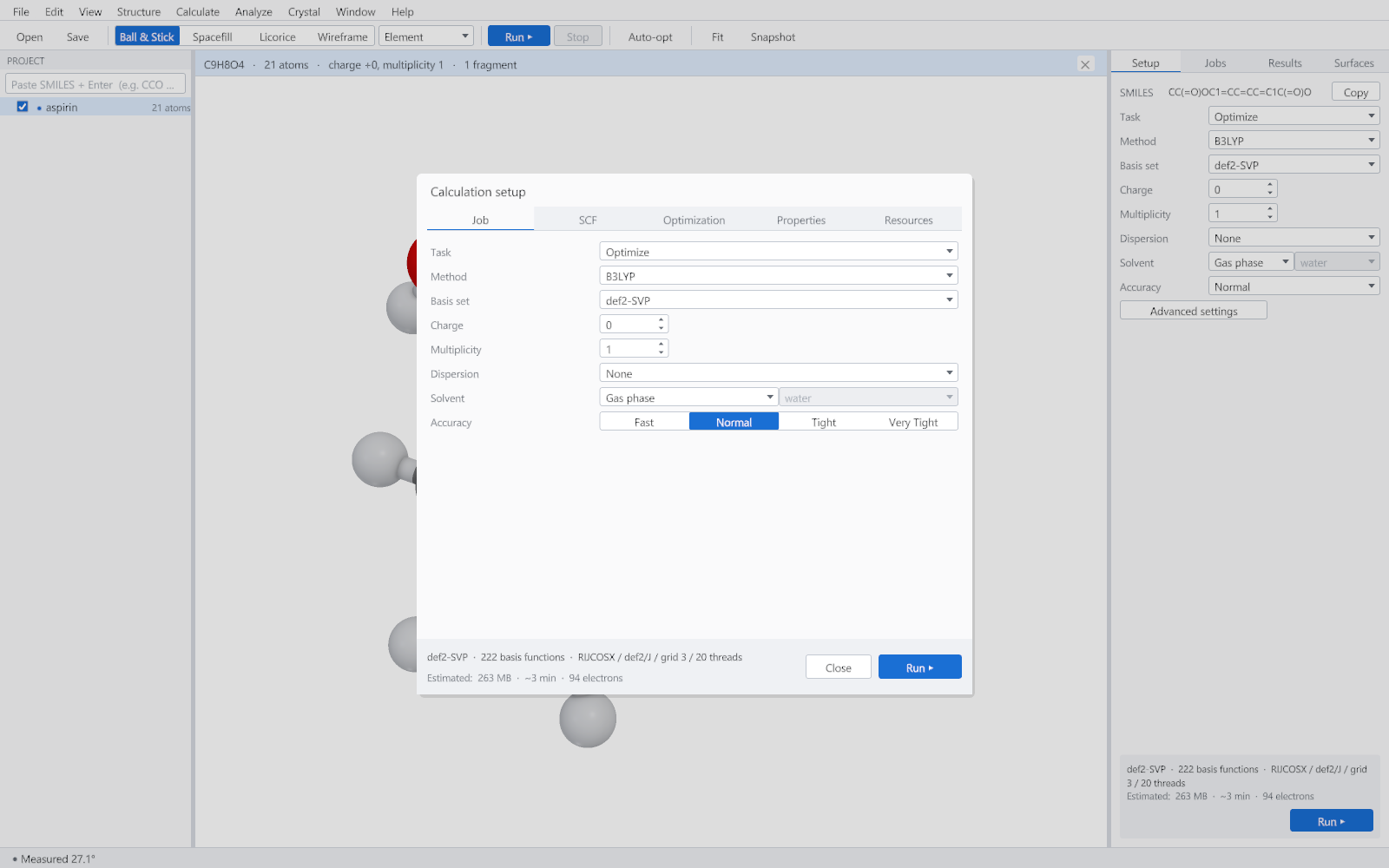
The Job tab
| Control | What it decides | How to choose |
|---|---|---|
| Task | Single point, Optimize, Frequencies or Opt + Freq. | A single point answers a question about one geometry. Anything you intend to report as a structure needs Optimize. Frequencies confirm that an optimised structure is a genuine minimum and give the thermochemistry. |
| Method | The functional, or Hartree-Fock. | B3LYP is the default and a sound general choice. PBE0 is a good second opinion for organic chemistry. For a bare exchange reference with no correlation, use HF. |
| Basis set | The set of functions the orbitals are expanded in. | def2-SVP for routine work and geometries, def2-TZVP when the number itself matters, such as a reaction energy or a property you intend to publish. |
| Charge | The total charge of the system. | Set it before the run. A charge inconsistent with the number of electrons and the multiplicity is refused immediately rather than after the first iteration. |
| Multiplicity | The spin state: 1 for a closed shell, 2 for a radical, 3 for a triplet. | Anything other than 1 makes the calculation unrestricted, and the spin contamination is reported with the result so you can judge it. |
| Dispersion | The dispersion correction added to the energy and the forces. | Weak interactions, stacked rings and conformers all need one. See Accuracy and validation for what is supported. |
| Solvent | Gas phase, or an implicit solvent model. | Gas phase is the default and the right choice unless the question is about solution. |
| Accuracy | Fast, Normal, Tight or Very Tight. | Normal is the publication default. Tight and Very Tight tighten the convergence criteria and the integration grid together, which is what matters for small energy differences. |
Reading the estimate
The footer of the dialog, and the same line on the Setup tab, reports four things: the number of basis functions, the algorithms that were chosen, the memory the job will need and a time estimate. The basis function count is the number to watch, because cost grows with it far faster than with the atom count.
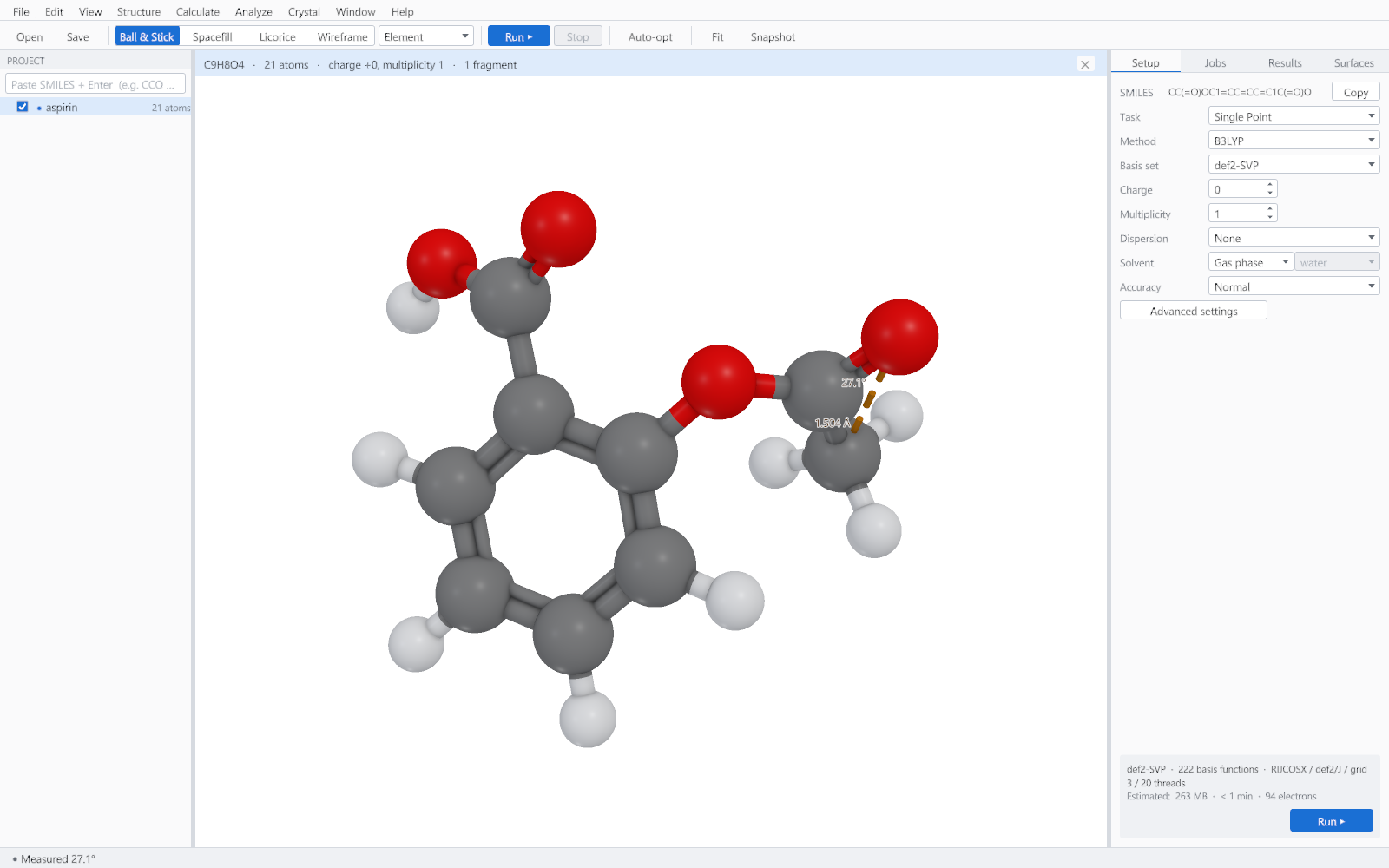
What is checked before a job starts
- That the structure is a chemically possible system, with a charge and multiplicity that agree with its electron count.
- That the basis set covers every element present.
- That the method can be used for the task asked of it.
- That the dispersion correction applies to this functional and these elements.
- That the memory the job needs is within the limit set on the Resources tab.
The Resources tab
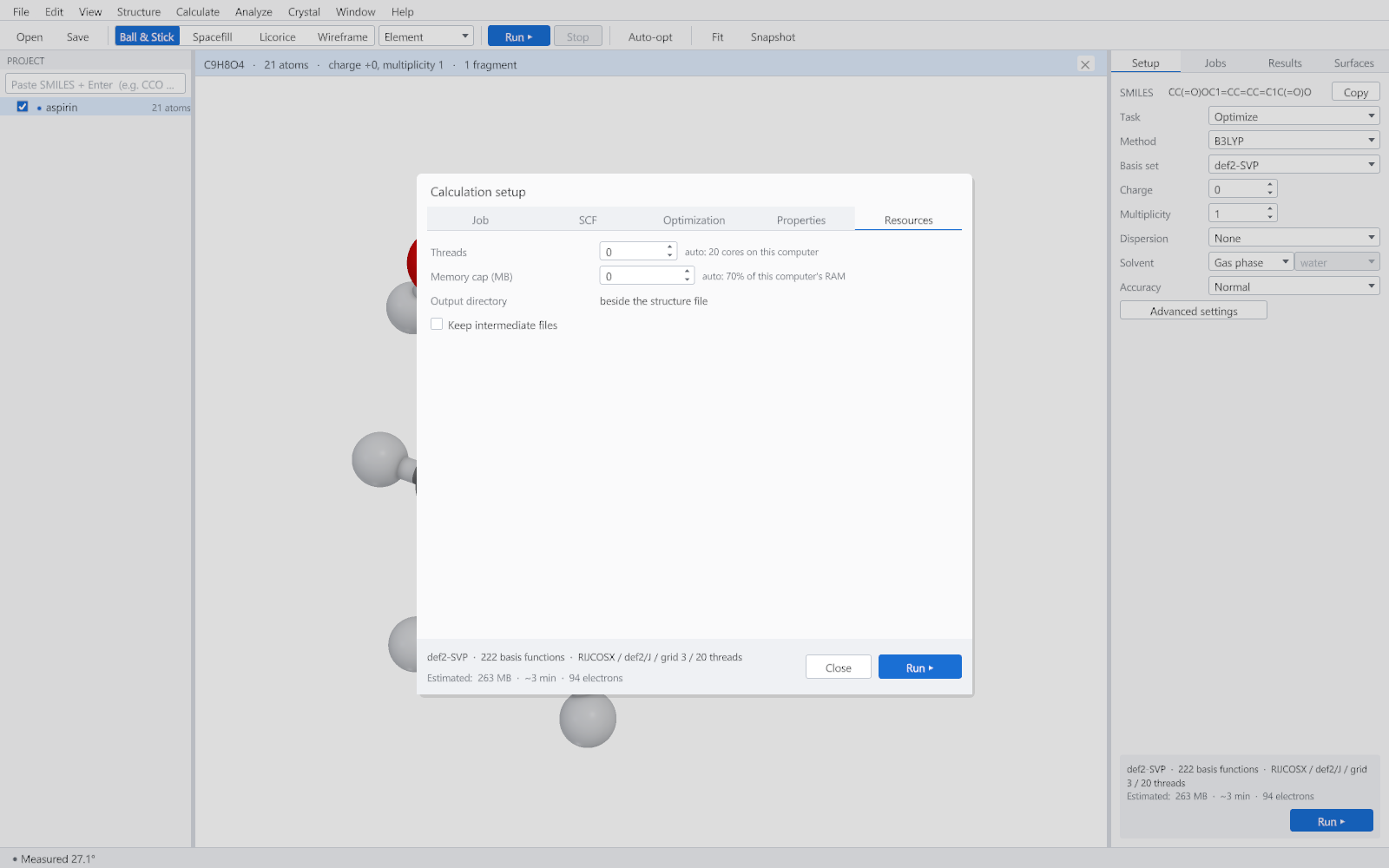
The defaults use every physical core and a sensible fraction of the installed memory. Lower the thread count to leave the machine usable for other work; lower the memory ceiling if other large programs are running. Neither setting changes the result: the same calculation gives bit-identical numbers on any number of threads.
Repeating a calculation with different settings
Select a finished job in the project tree and use Calculate > Run Again With. The setup opens with that job's settings, so a basis set can be changed and everything else left exactly as it was. This is the reliable way to compare two methods on one structure.